
Disclosure: I'm the author of vllm-windows-build, the open-source project (MIT license) this article 2026-10-9 22:18:2 Author: hackernoon.com(查看原文) 阅读量:17 收藏
Disclosure: I'm the author of vllm-windows-build, the open-source project (MIT license) this article describes. It is my own project, not affiliated with the vLLM team. I built it with heavy AI-assisted coding using Claude Code, and I tested the results myself, mainly on an RTX 3090 and RTX 3060.
Any numbers below come from the project's published release notes and build records. The technical content of this article was written with AI assistance and edited by me from the repo documentation. This article was first published at https://dev.to/aivrar/running-vllm-natively-on-windows-4ahm.
vLLM officially supports Linux only. On Windows, the usual answer is WSL or Docker. I wanted it running natively, with real CUDA kernels and an OpenAI-compatible server, and no Linux layer. So, I maintain vllm-windows-build: patches, prebuilt wheels, and portable installer scripts for running vLLM directly on Windows 10/11.
Disclosure: I built this repo, and I built it with heavy AI-assisted coding (the README credits Claude). The engine is upstream vLLM. My part is the Windows port, the packaging, and the testing. Everything below comes from the repo's README, docs, and release notes.
What's actually published.
There are three current options. The repo's release chooser puts it like this:
|
Channel |
vLLM |
Python |
Torch / CUDA |
|---|---|---|---|
|
Stable / Latest ( |
0.27.1 |
3.13.14 |
2.13.0+cu130 / 13.0 |
|
Regular release, not Latest ( |
0.29.0 |
3.14.2 |
2.13.0+cu132 / 13.2 |
|
Prerelease ( |
0.29.0 |
3.13.14 |
2.13.0+cu130 / 13.0 |
All three use Triton for Windows 3.7.1. The 0.27.1 wheel has kernels for SM 7.5, 8.6, 8.9, and 12.0, so RTX 20/30/40/50 series. It also includes FlashAttention 2, the Rust frontend and tool parser, and opt-in CPU/filesystem prompt-KV offload.
Why is 0.27.1 still the default? The Python 3.14 build uses the CPU TorchAudio wheel, because no matching cu132 wheel was available. GPU audio processing and audio-model serving weren't validated there. Model inference itself still runs on CUDA.
If you just want something that works, use 0.27.1.
Requirements
From the README:
- Windows 10 21H2 x64 minimum (22H2 or 11 recommended)
- NVIDIA GPU, SM 7.5 or newer, 12 GB VRAM minimum (24 GB recommended)
- 16 GB RAM minimum (32 GB+ recommended)
- NVIDIA driver R580+ for CUDA 13.0
- Single GPU per process. NCCL doesn't ship with PyTorch on Windows, so the patch uses a single-rank
FakeProcessGroup.
You don't need Visual Studio or the CUDA Toolkit unless you're building from source.
Install Option 1: The portable installer (what I recommend).
This route downloads its own Python, so nothing needs to be preinstalled.
- Open the release you picked and download the source code (zip). For 0.27.1, that's v0.27.1-win-cu130.
- Extract it into a new, separate directory. Don't mix 0.27.1, Python 3.13, and Python 3.14 installs in one folder.
- Run:
install.bat
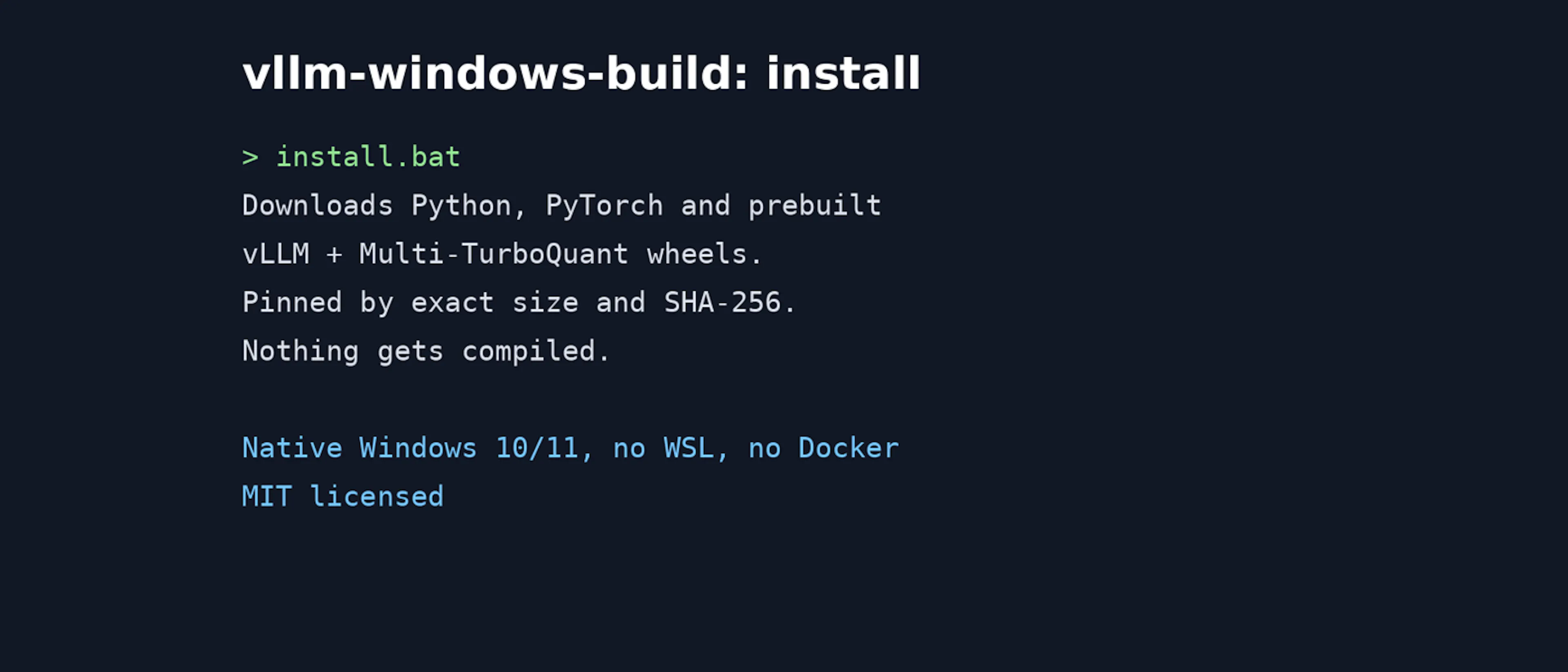
It downloads Python, PyTorch, and the matching prebuilt vLLM and Multi-TurboQuant wheels. Downloads are pinned by exact size and SHA-256. Nothing gets compiled. If you already have a verified 0.27.1 wheel, put it in dist-v0.27.1\ next to install.bat and the script will use it. Running install.bat again repairs an incomplete install.
- Start the server:
launch.bat
With no arguments, it shows a model picker that scans models\ next to the script. Or pass a model directly:
launch.bat --model E:\models\Qwen3-14B-AWQ-4bit --port 8000
launch.bat checks the install first and reruns install.bat if something is missing. It also sets CUDA_DEVICE_ORDER=PCI_BUS_ID, so --gpu-id matches nvidia-smi ordering.
If you prefer git, a default clone of master gives you the 0.27.1 installer. For the Python 3.14 build:
git clone --branch v0.29.0-win-cu132-py314 https://github.com/aivrar/vllm-windows-build.git vllm-py314-cu132
Install Option 2: The wheel in your own venv.
For 0.27.1, the README's manual steps are:
py -3.13 -m venv venv
venv\Scripts\activate

pip install torch==2.13.0 torchaudio==2.11.0 torchvision==0.28.0 ^
    --index-url https://download.pytorch.org/whl/cu130
pip install triton-windows==3.7.1.post27
pip install vllm-0.27.1-cp313-cp313-win_amd64.whl
pip install multi_turboquant-0.1.0-py3-none-any.whl
Both wheels are on the release page. Their published SHA-256 hashes are:
vllm-0.27.1-cp313-cp313-win_amd64.whl:7c13ed44e94694478bdd4f5fcca23e2d66ba1e8fa9bccad9fddb8651d1b2447bmulti_turboquant-0.1.0-py3-none-any.whl:5b310e05904b588539d9a8e3374dfa6c160f025f9c2099ba5c7877c79b2fa149
If your environment was built from older wheel metadata, there's an optional repair step: pip install "llguidance>=1.7.0,<1.8.0" "xgrammar>=0.2.0,<1.0.0". Windows reports its machine type as AMD64, and older metadata skipped these packages because of that. The 0.27.1 wheel already has the correct markers.
Using It
OpenAI-compatible HTTP. The launcher (vllm_launcher.py) serves /v1/models, /v1/chat/completions (streaming and non-streaming), /v1/completions, /health, and /shutdown. Its default port is 8100, and it binds to 127.0.0.1. A quick test:
import requests
r = requests.post("http://127.0.0.1:8000/v1/chat/completions", json={
    "model": "qwen3-14b",
    "messages": [{"role": "user", "content": "Explain CUDA streams in 3 sentences."}],
    "max_tokens": 200,
})
print(r.json()["choices"][0]["message"]["content"])
It also parses tool calls from <tool_call> tags (Qwen3 format) and from bare JSON, and returns them in tool_calls.
Upstream vllm serve works too. The docs still call the launcher the more reliable path on Windows.
Python embedding. The usage doc sets VLLM_HOST_IP=127.0.0.1, adds the CUDA bin and torch\lib directories with os.add_dll_directory, and then uses LLM(...) / generate() as usual.
Models. Use a Hugging Face-format directory or repo ID with config.json and Safetensors, AWQ, or GPTQ weights. The launcher rejects direct .gguf files.
Memory tuning. If the weights load but you get "No available memory for the cache blocks", the docs say to raise --gpu-memory-utilization if VRAM is free (launcher default 0.6), or lower --max-model-len, --max-num-seqs, and --max-num-batched-tokens.
RTX 20xx (Turing). Add --turing-compat. It selects TRITON_ATTN, float16 KV cache, 32-token blocks, eager mode, 0.89 GPU utilization, one sequence, and 2,048 batched tokens. Any value you pass explicitly overrides the profile.
KV Cache Options
--kv-cache-dtype accepts auto, the fp8 variants, four upstream TurboQuant variants (turboquant_k8v4, turboquant_4bit_nc, turboquant_k3v4_nc, turboquant_3bit_nc), and six methods from my Multi-TurboQuant library (isoquant3/4, planarquant3/4, turboquant25/35).
Be honest with yourself about the trade-off. The six Multi-TurboQuant methods doubled KV cache capacity in the README's RTX 3090 test (16,336 → 32,672 tokens). But their encode/decode still runs in PyTorch, and throughput drops roughly 30–300×. The upstream turboquant_* variants use fused Triton kernels and don't pay that cost. For normal interactive use, stick with auto.
There's also experimental prompt-KV offload, which is off by default: --kv-offload cpu-lru|cpu-arc|fs-lru|fs-arc. The filesystem modes need --kv-offload-fs-root, and that directory has no automatic quota or cleanup, so keep an eye on its size. Offload only helps when long prompt prefixes repeat. It doesn't speed up uncached generation.
Limitations
- Single GPU per process. For multiple GPUs, run separate instances on different ports and load-balance them yourself.
- No FlashInfer, FlashAttention 3/4, fastsafetensors, DeepGEMM, or NIXL. None of them have Windows support here. FlashAttention 2 works.
- Blackwell FP8/NVFP4: native Blackwell FP4 acceleration isn't included. Some mixed FP8/NVFP4 models fail at startup on unmodified 0.27.1. The troubleshooting doc has a Marlin-based workaround (confirmed for one model), and the 0.29.0 builds include the Marlin fallback fixes.
- Cold start: the first inference that uses Triton kernels can take about 1–2 minutes to compile.
- Limited testing. Validation is targeted. Most of it ran on one RTX 3090, with an earlier release also run on an RTX 3060, plus single-model confirmations from issue reporters on an RTX 2080 Ti, an RTX 5090, and an RTX PRO 5000 Blackwell. The README's timings are focused correctness checks, not broad benchmarks, and the 0.29.0 Python 3.14 build doesn't claim any speed advantage.
- Building from source is possible (VS 2022 + CUDA Toolkit + a pagefile, no sccache), but it's heavy. The build records for each release are in
docs/.
Disclosure, again: vllm-windows-build is my own MIT-licensed project, built with heavy AI-assisted coding (Claude Code). It is an unofficial Windows build and not supported by the vLLM project. The code, patch, and release notes are at https://github.com/aivrar/vllm-windows-build, and bug reports with your GPU and model are welcome there.
如有侵权请联系:admin#unsafe.sh