A simple, native packet viewer for Mac. Website · Download · Docs · ReleasesTCP 2026-9-3 11:14:23 Author: kitploit.com(查看原文) 阅读量:3 收藏
A simple, native packet viewer for Mac.
Website · Download · Docs · Releases
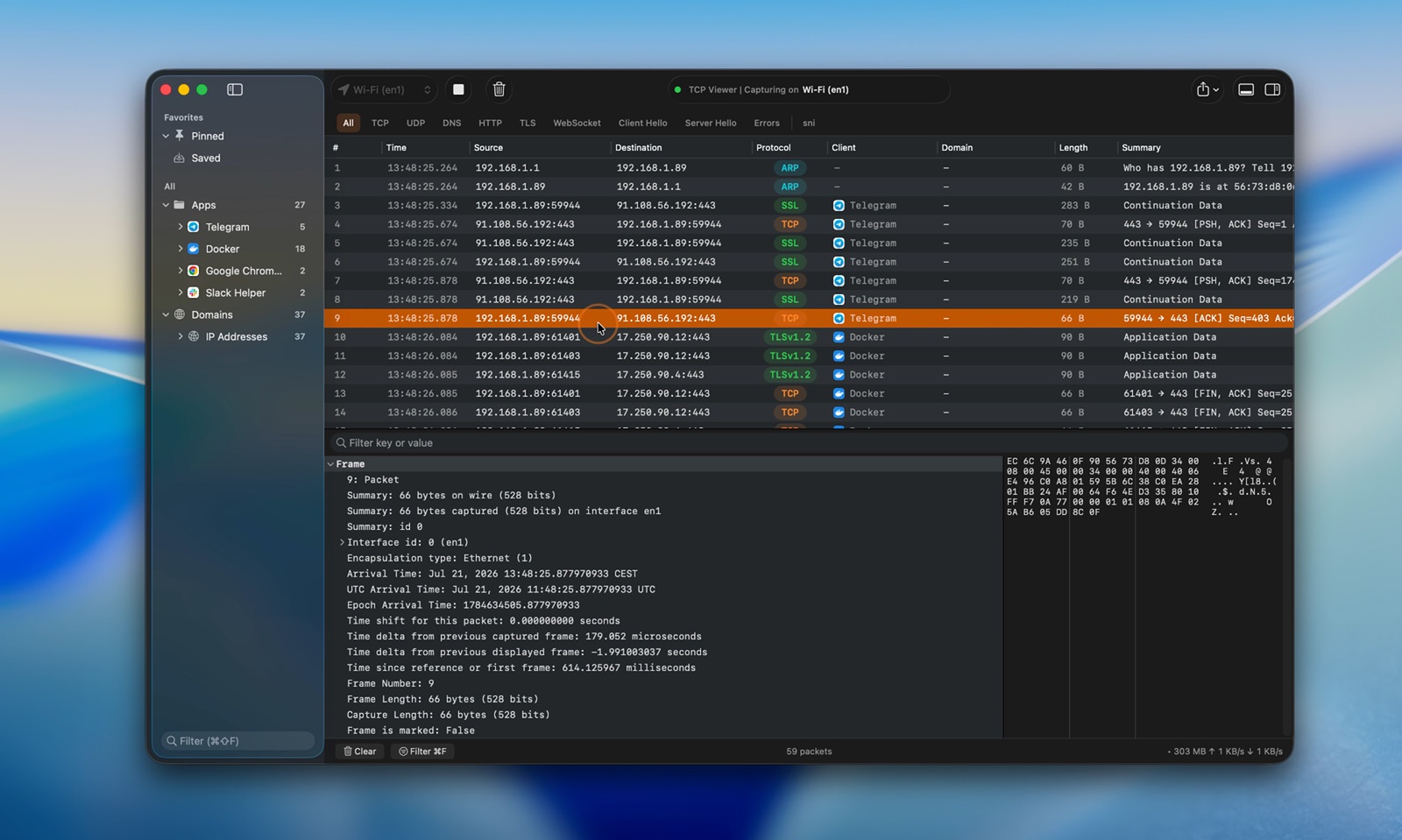
TCP Viewer captures and reads network packets on macOS. It uses system libpcap for capture and Wireshark libraries for deep packet details.
Features
- Native macOS app, built with AppKit
- Built on top of Wireshark Lib, alternative to Wireshark
- Capture live traffic.
- Group packets by app, domain, or IP address.
- Filter TCP, UDP, DNS, HTTP, TLS, WebSocket, and more.
- Read protocol fields and raw bytes.
- Open PCAP and PCAPNG files.
- Follow a full TCP stream.
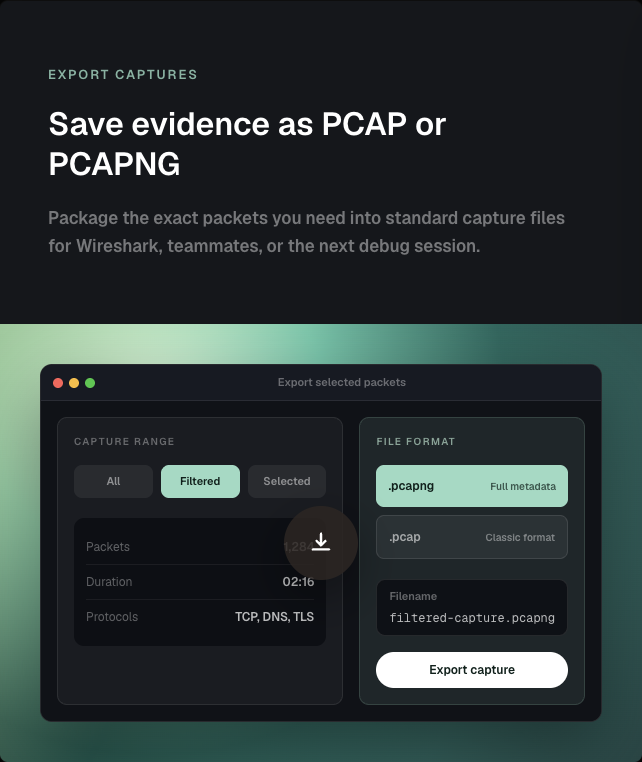
- Export packets as PCAP or PCAPNG.
- Ask an AI agent about your capture with TCP Viewer MCP.
- Automate capture, packet queries, files, licenses, and settings with
tcpviewer-cli. - Review the full source code.
Easy packet capture
- Pick a network interface.
- Start or stop with one click.
- Keep busy captures easy to read.
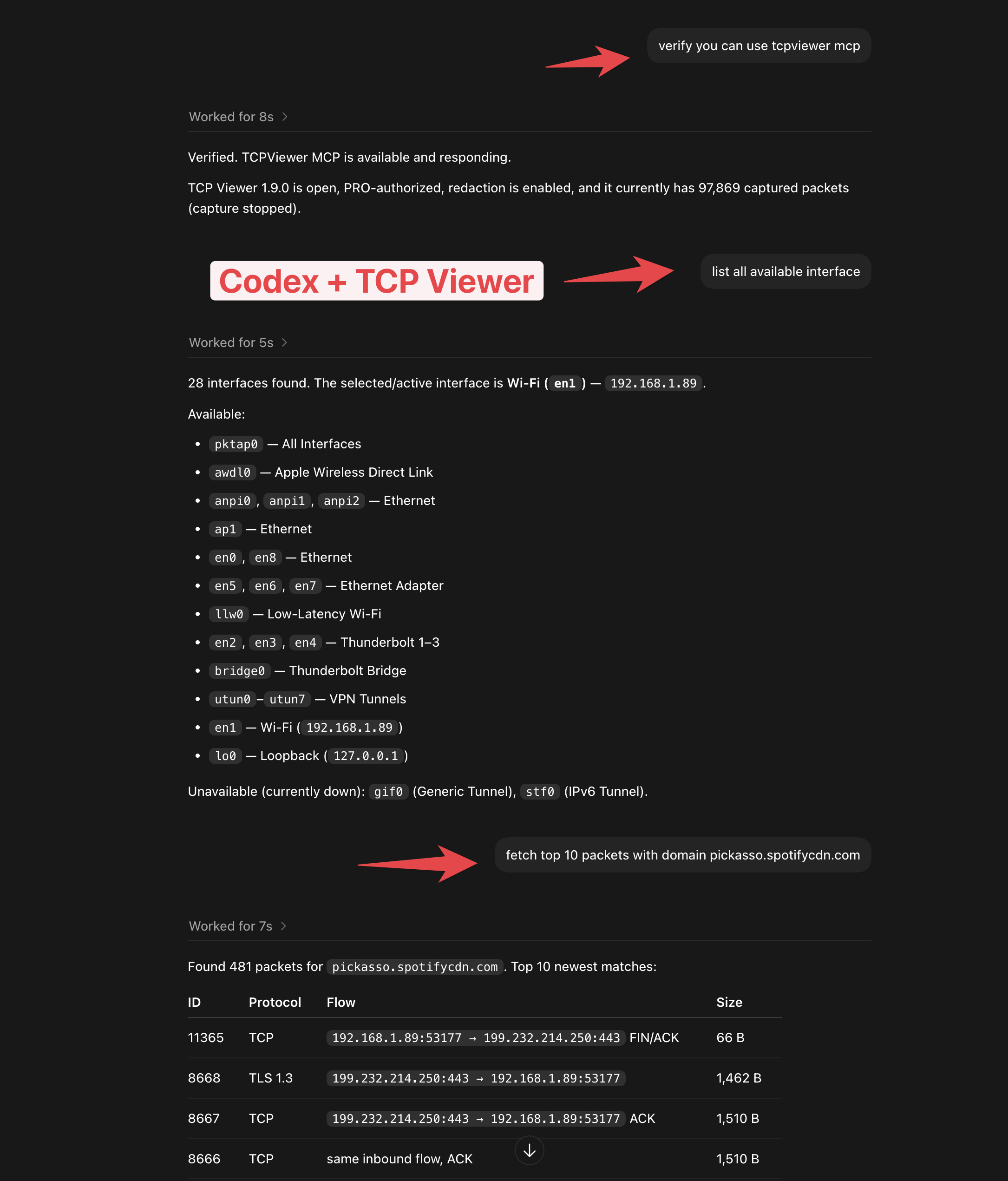
TCP Viewer MCP
- Connect TCP Viewer to Codex or another MCP client.
- Check the capture status.
- List network interfaces.
- Find packets with a simple prompt.
- Available with TCP Viewer PRO.
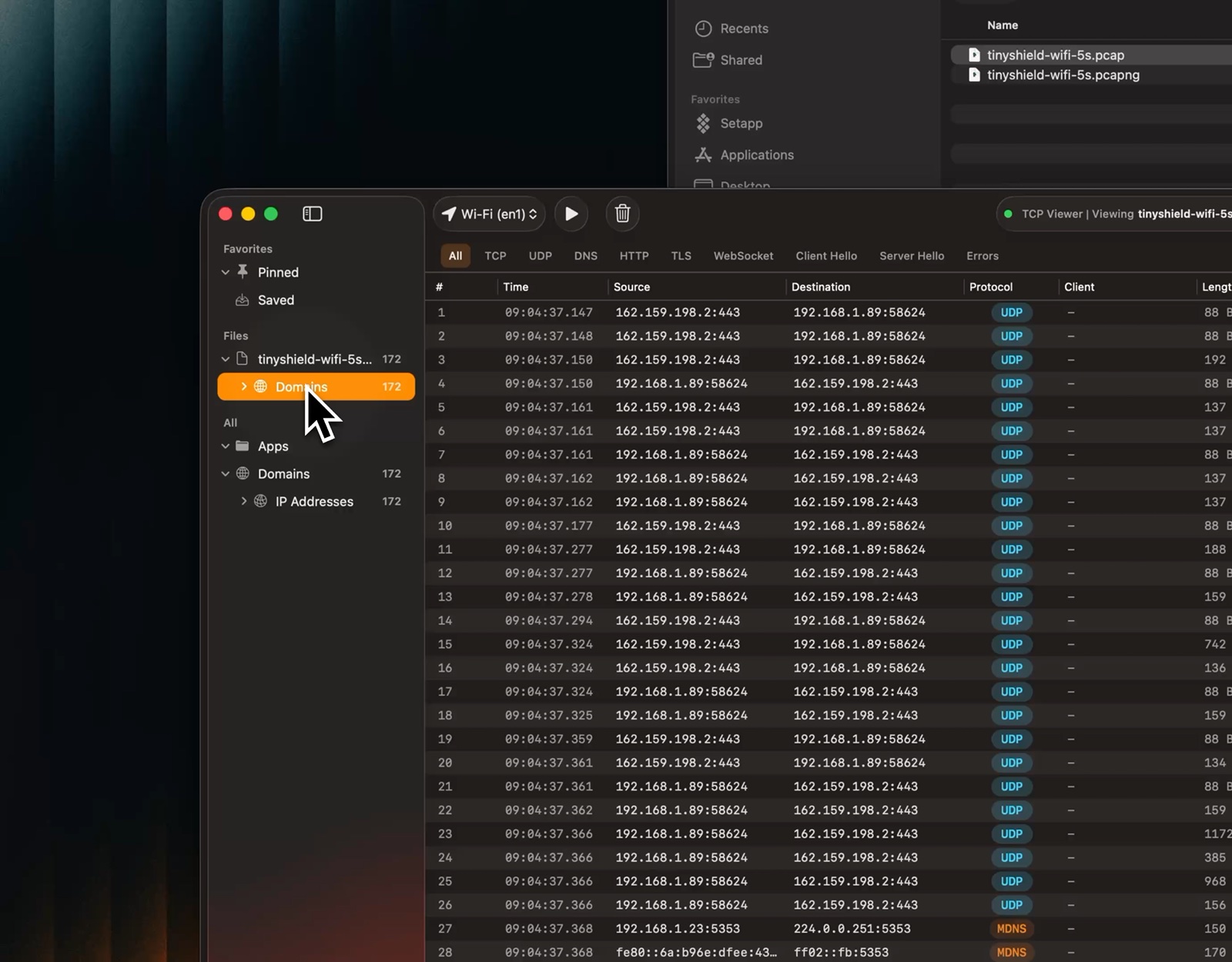
Open capture files
- Drag in a PCAP or PCAPNG file.
- Preview packets right away.
- Use the same view as a live capture.
Follow TCP Stream
- Rebuild one full TCP conversation.
- Show both directions together.
- Show only client or server data.
- Switch between text and hex.
- Search the stream.
- Jump back to the source packet.
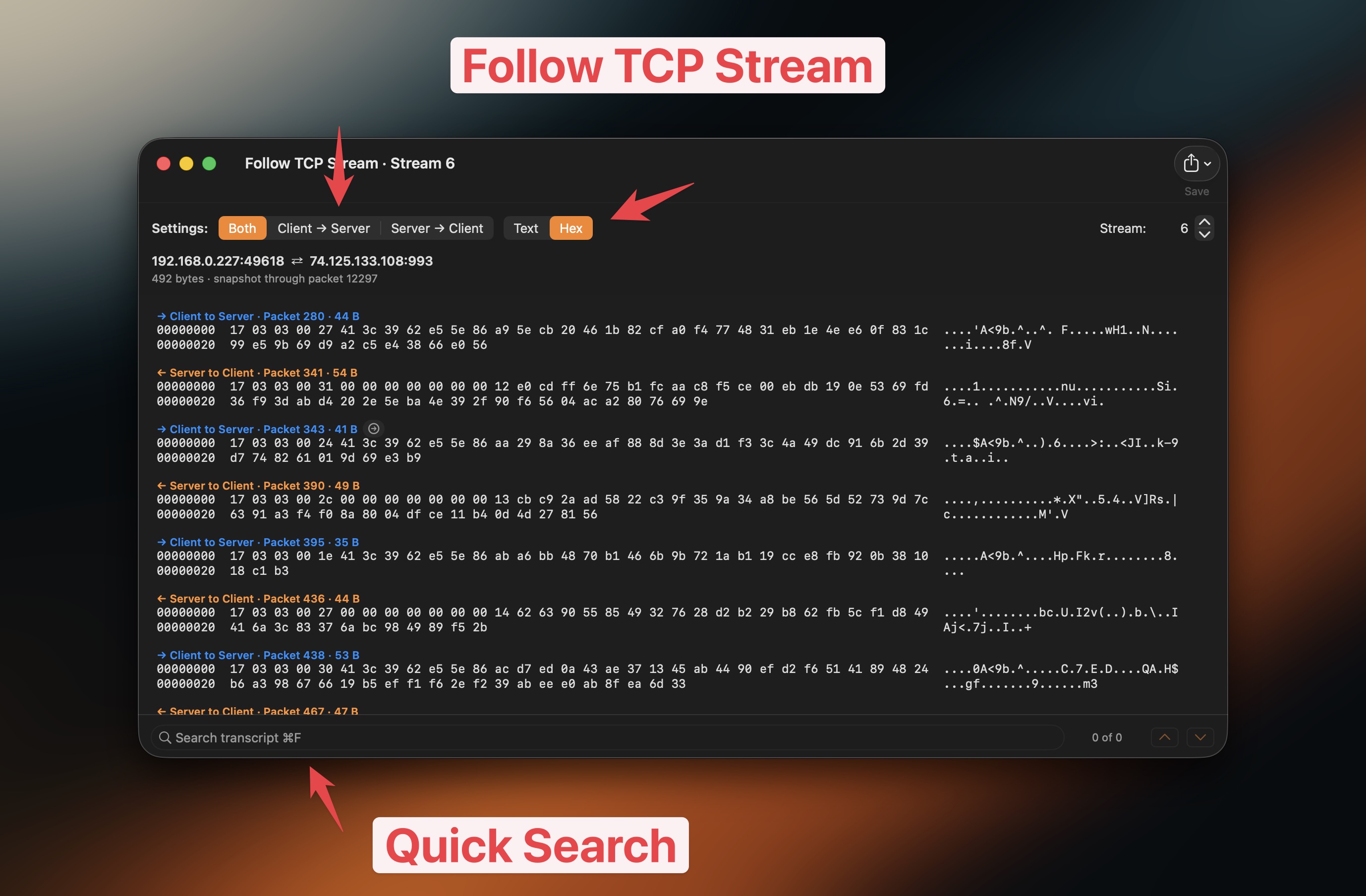
Watch the Follow TCP Stream video
Group traffic
- Group packets by app.
- Group packets by domain.
- Group packets by IP address.
- Jump to the traffic you need.
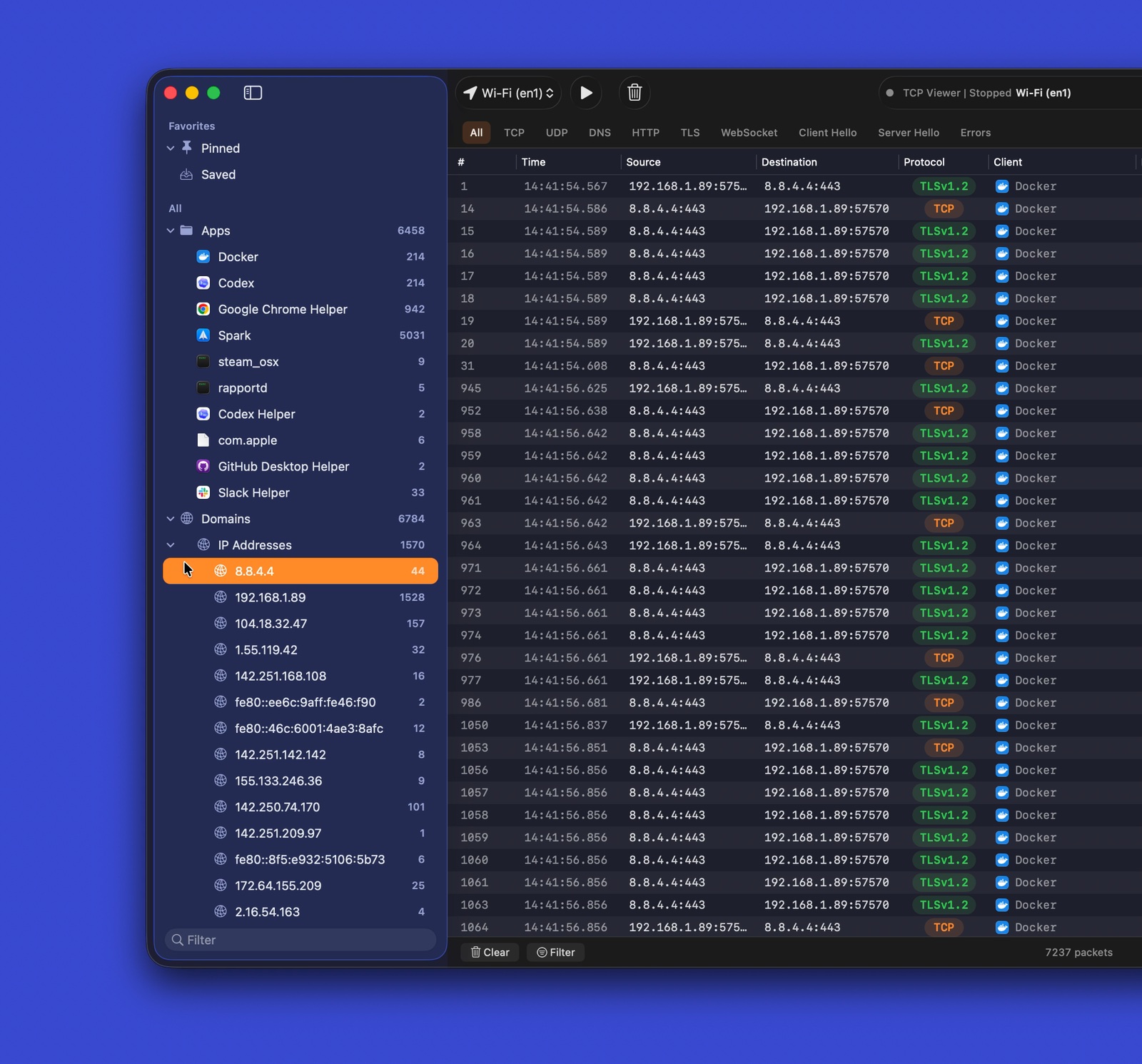
Watch the grouped traffic video
Protocol filters
- Use quick filters for common protocols.
- Combine filters with text search.
- Focus on useful packets fast.
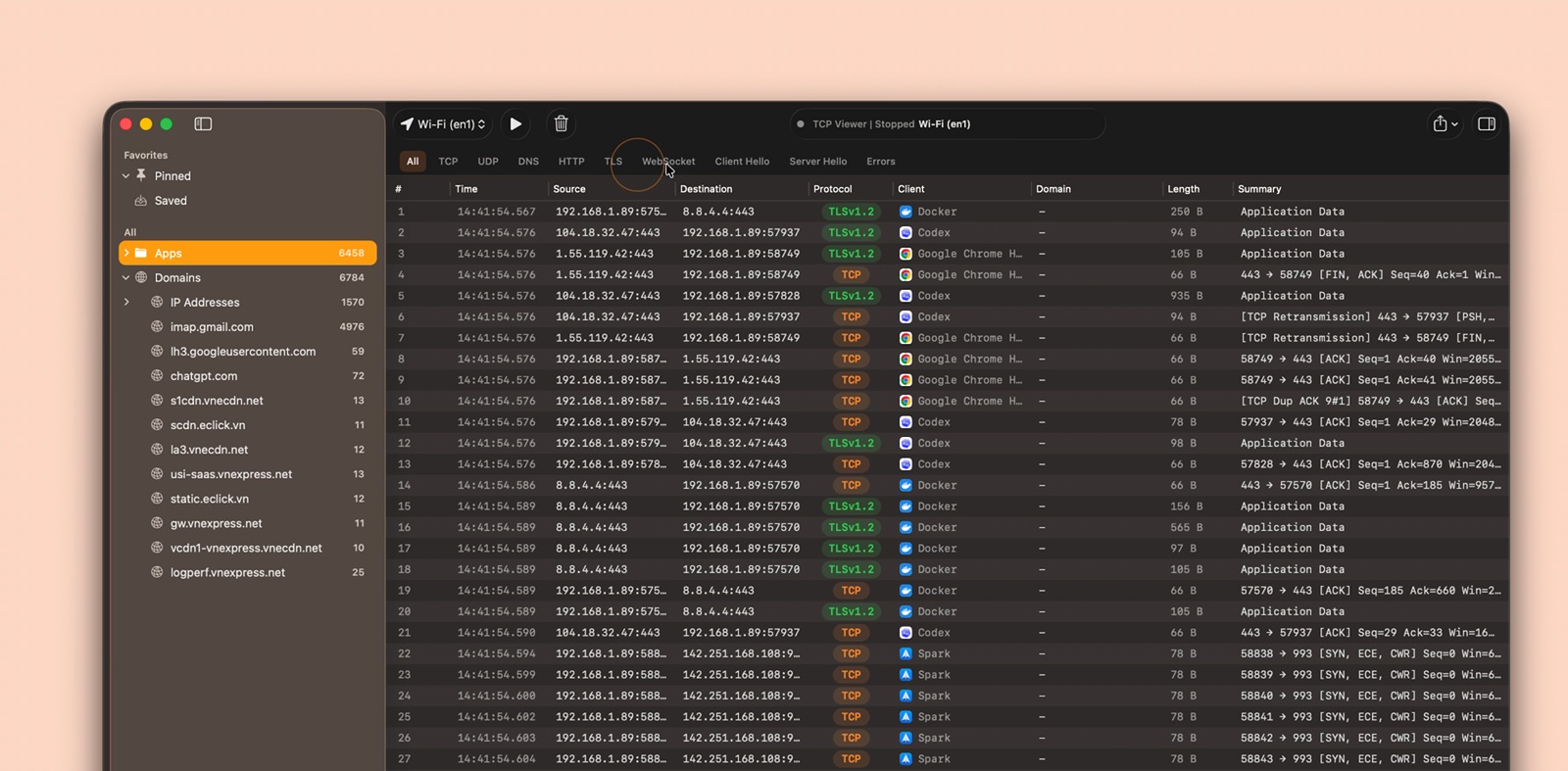
Watch the protocol filter video
Export captures
- Export all, filtered, or selected packets.
- Save as PCAP or PCAPNG.
- Open the result in other packet tools.
Packet details
- Read Wireshark-grade protocol trees.
- Inspect field names and values.
- Match fields to raw bytes.
- Search packet details.
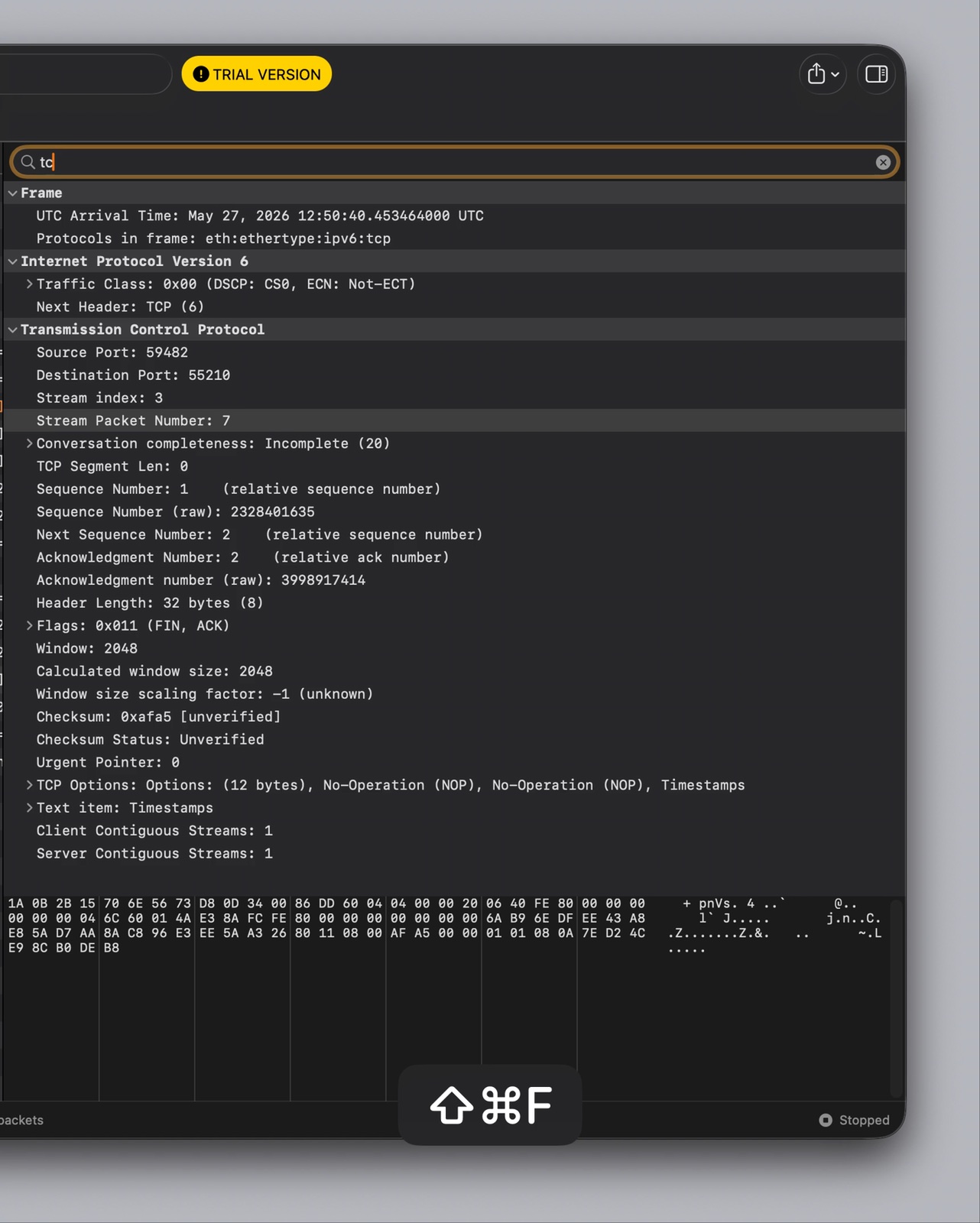
Watch the packet details video
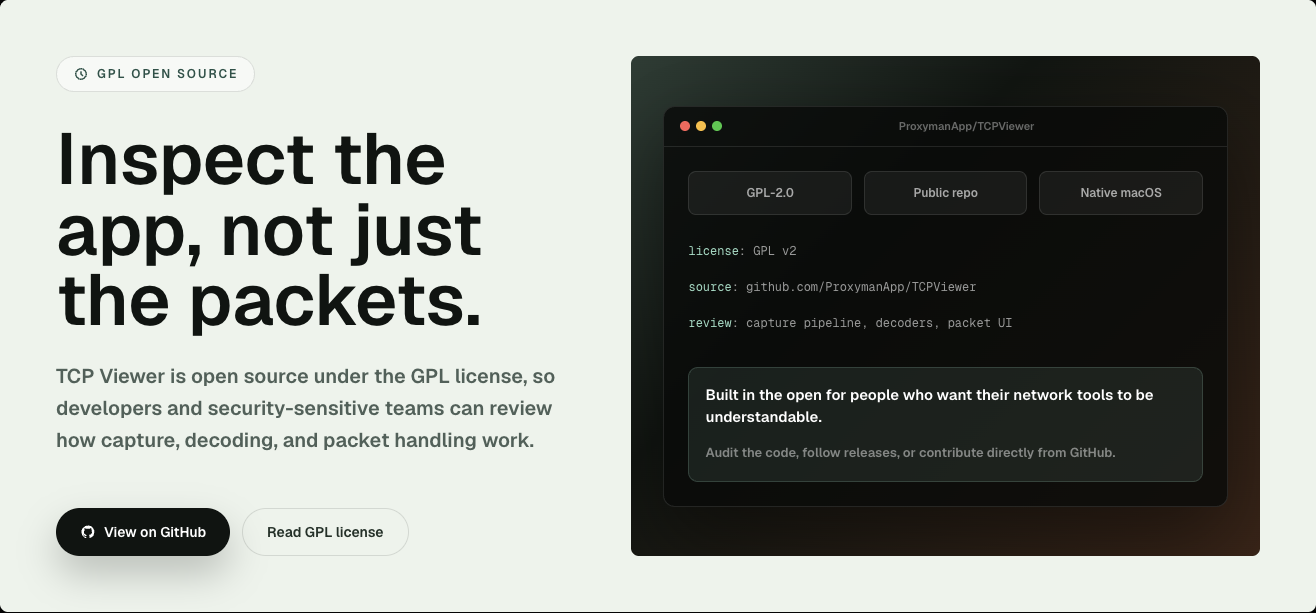
Open source
- Licensed under GPL-2.0-or-later.
- Review the capture pipeline.
- Review packet decoding.
- Review the native macOS interface.
- Report issues or send a pull request.
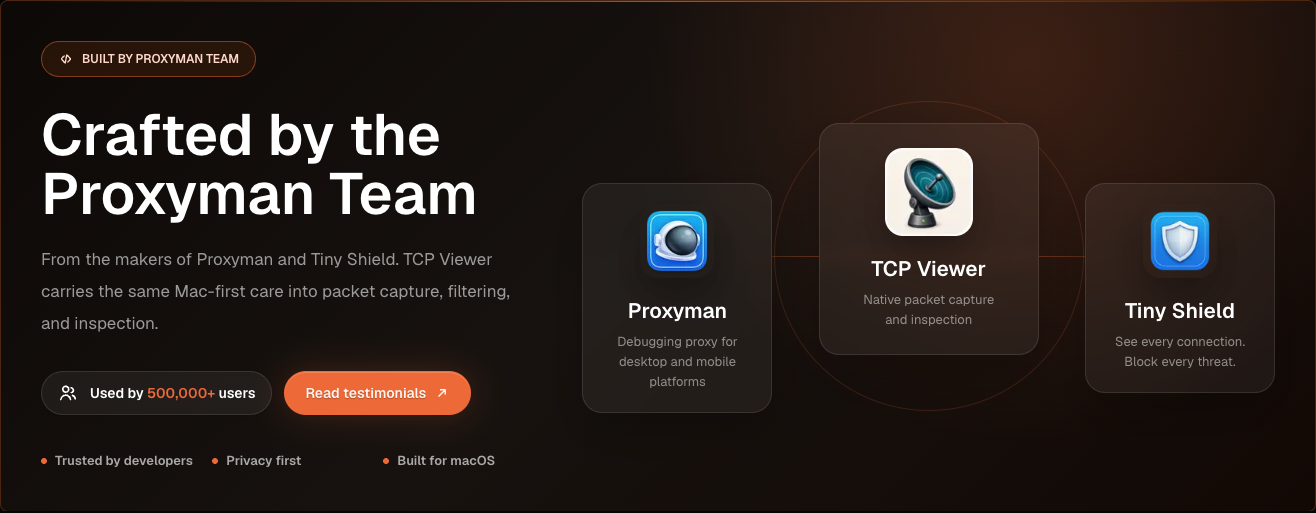
Built by the Proxyman Team
- Made by the team behind Proxyman and Tiny Shield.
- Built for macOS.
- Focused on privacy and clear network debugging.
Requirements
To run TCP Viewer:
- Apple Silicon Mac.
- macOS 15 or later.
To build TCP Viewer:
- Xcode 16 or later.
- Git.
- CMake, Ninja, Meson, pkg-config, and autotools.
brew install cmake ninja meson pkg-config autoconf automake libtool
Setup
Clone with submodules. Then bootstrap the pinned Wireshark dependency.
git clone --recurse-submodules <repo-url>
cd TCPViewer
cp Config/TCPViewer.local.xcconfig.example Config/TCPViewer.local.xcconfig
./scripts/bootstrap-wireshark.sh
Already cloned without submodules?
git submodule update --init --recursive
./scripts/bootstrap-wireshark.sh
The bootstrap scripts:
- Run
scripts/bootstrap-wireshark-deps.shfirst. - Build Wireshark's runtime libraries from source.
- Write them to
Vendor/.install/wireshark-deps. - Use macOS 15 as the deployment target.
- Use Homebrew only for build tools.
- Never copy Homebrew bottle dylibs into a release.
Keep local signing, appcast, Sparkle, Sentry, and release values out of Git. Use Config/TCPViewer.local.xcconfig, .env, environment variables, or Keychain-backed tools.
Run
In Xcode:
- Open
TCPViewer.xcodeproj. - Select the
TCPViewerscheme. - Choose
My Mac. - Press Run.
Command-line build:
xcodebuild -project TCPViewer.xcodeproj -scheme TCPViewer build
If Xcode asks for signing, select a development team for TCPViewer and PcapPlusPlusCore.
Test
xcodebuild test \
  -project TCPViewer.xcodeproj \
  -scheme TCPViewer \
  -destination 'platform=macOS'
Release
The release script can:
- Build and notarize the app.
- Sign the Sparkle update.
- Upload files to Cloudflare R2.
- Publish the release to the backend.
First-time setup:
npm install
bundle install
gh auth login
Create a local .env from .env.example. Add the required release values. Never commit real secrets.
Use # for comments in .env. sentry-cli does not accept // comments.
For a production release, add a matching entry to ReleaseNote.json. Then run:
Choose beta or production when asked.
Production releases also:
- Create the Sparkle appcast.
- Push the
v<version>tag. - Publish the GitHub release.
To create only the Homebrew Cask pull request for the latest public production
release, run make build and choose Homebrew Cask PR from latest release.
You can also run the direct command:
This verifies the public DMG against the GitHub release asset, pushes a branch to
ProxymanApp/homebrew-cask, and opens the contribution pull request in
Homebrew/homebrew-cask.
Artifacts are written to:
~/Desktop/tcpviewer-production/
License
TCP Viewer is licensed under GPL-2.0-or-later. This matches its use of Wireshark libraries.
- See
COPYINGfor the full GPL text. - See
THIRD_PARTY_NOTICES.mdfor third-party notices. - See
SOURCE_CODE_OFFER.mdfor binary release source terms.
Acknowledgements
Wireshark is a trademark of the Wireshark Foundation. TCP Viewer is not affiliated with or endorsed by the Wireshark Foundation.
如有侵权请联系:admin#unsafe.sh