Sponsored by first-of-its kind private and secure consumer cellular service in the U 2026-8-21 08:33:11 Author: kitploit.com(查看原文) 阅读量:2 收藏

Sponsored by

first-of-its kind private and secure consumer cellular service in the US
Download
DO NOT DOWNLOAD FROM ANY WEBSITE CLAIMING TO BE US WE ONLY HAVE https://idescriptor.github.io AND RELEASES WILL BE MADE FROM THIS REPO ONLY





Installation Instructions
Windows
- Installer (.msi): Download and run the installer. Recommended for most users.
- Portable (.zip): Extract and run
iDescriptor.exe. No installation required. - Choco :
choco install idescriptor --version=0.1.0
macOS
- Apple Silicon: Download the
.dmgfile for M1/M2/M3/MX Macs.
Open the.dmgand drag iDescriptor to Applications.
After moving the app to Applications, run the code below
xattr -c ~/Applications/iDescriptor.app
Click here to learn more about why this is needed.
-
Intel: Download the
.dmgfile for Intel-based Macs.
Open the.dmgand drag iDescriptor to Applications.You shouldn't run into any issues on Intel Macs but if you do, check this out.
Linux
- AppImage: Download, and then run
chmod +x iDescriptor*.AppImage
- Arch Linux: Install from AUR:
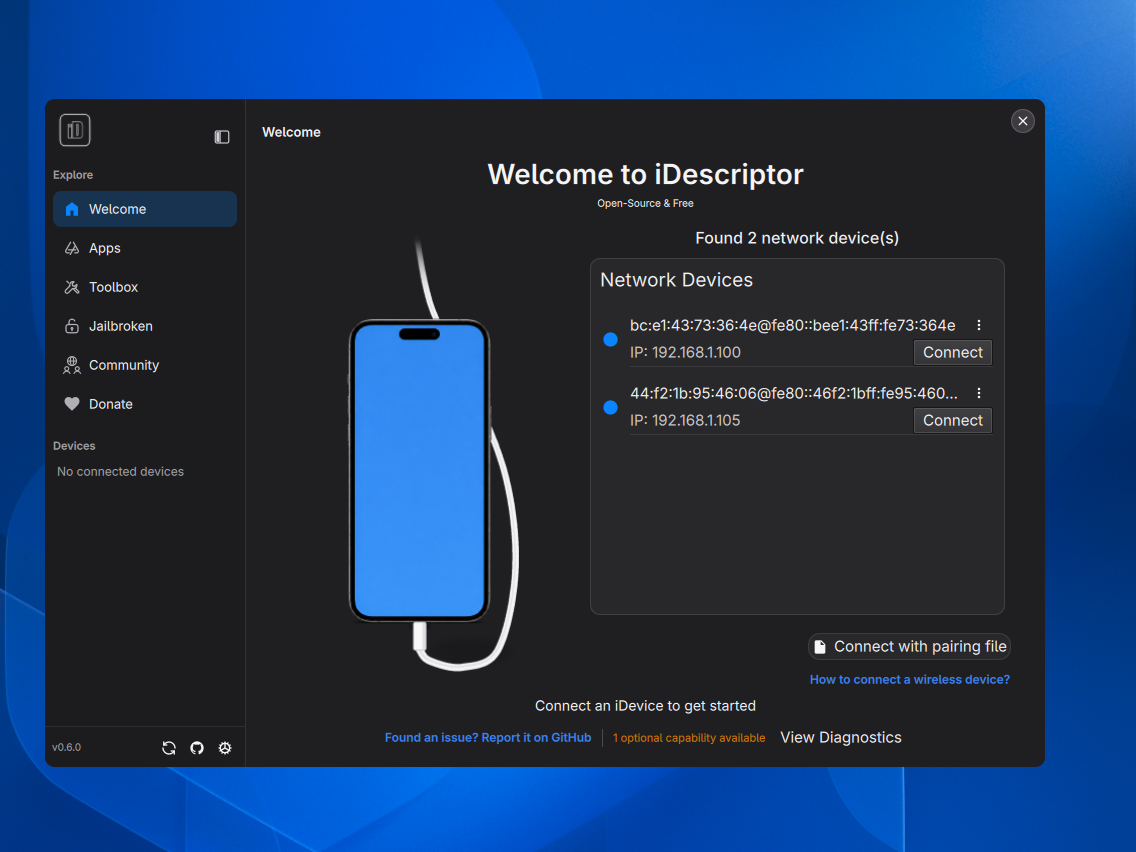
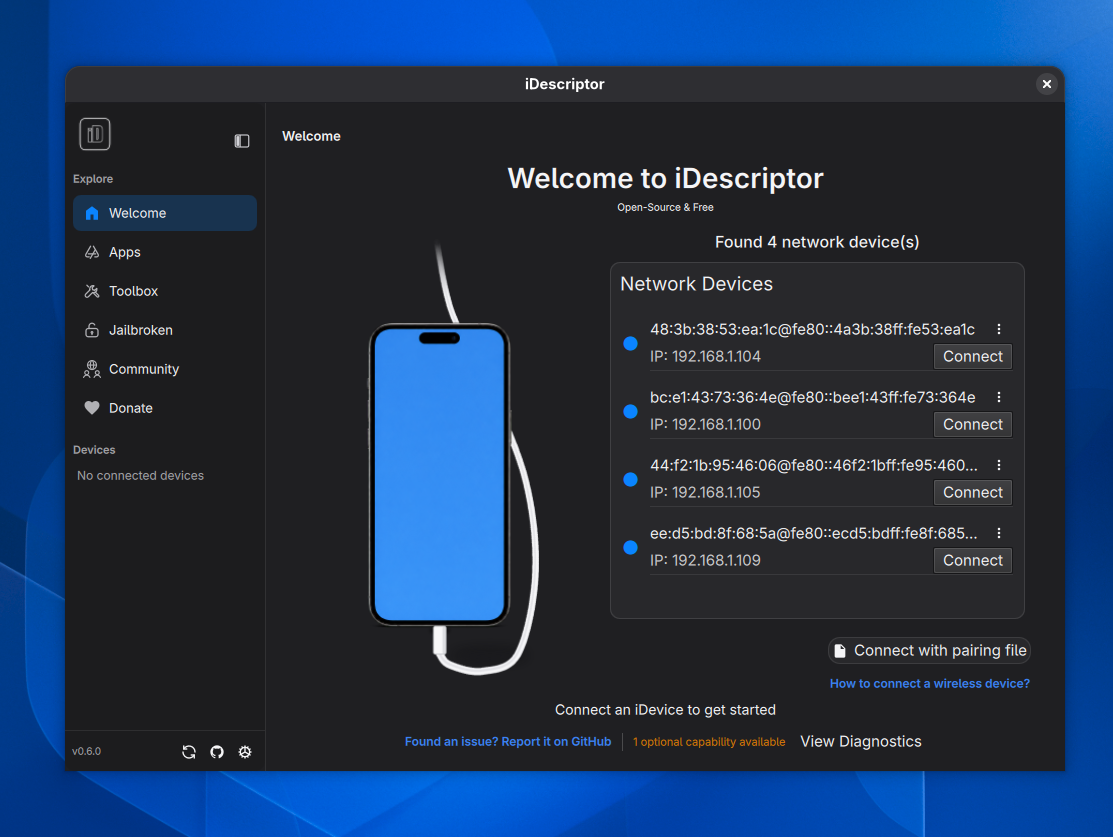
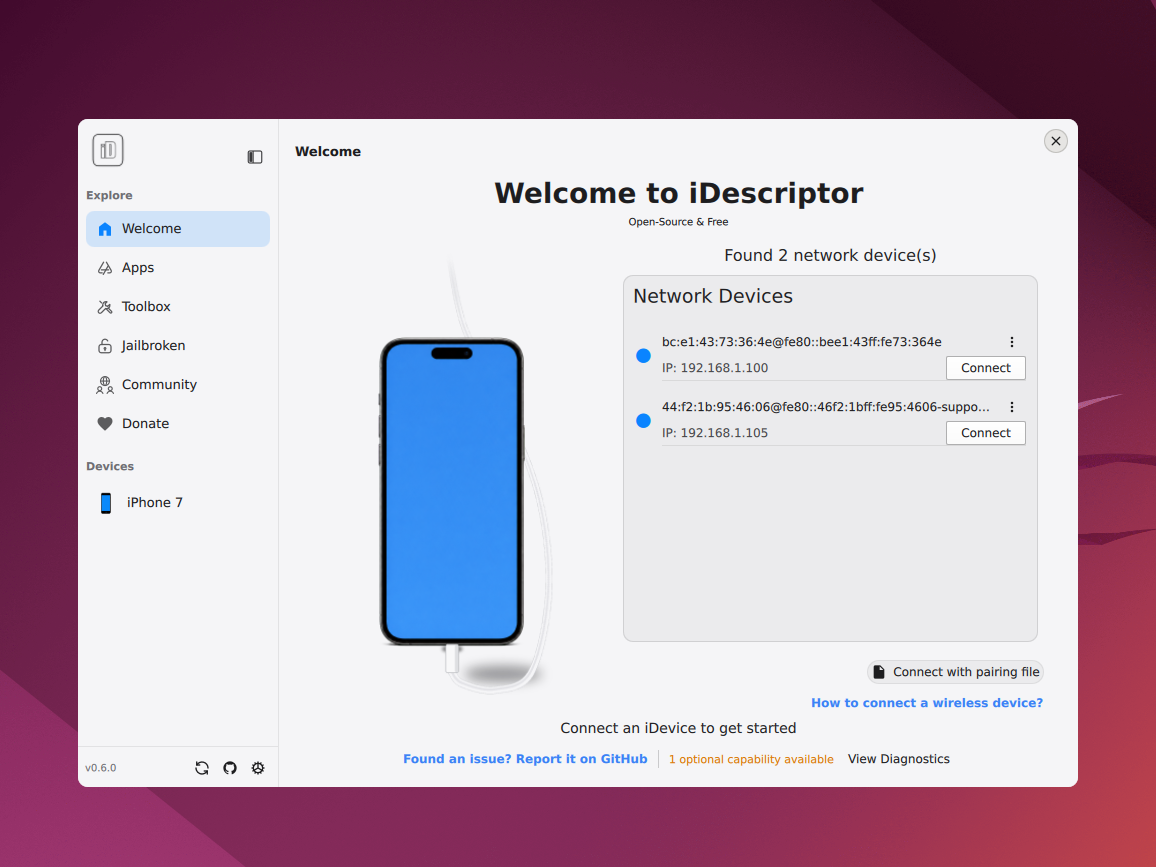
Features
Connection
| Feature | Status | Notes |
|---|---|---|
| USB Connection | ✅ Implemented | Fully supported on Windows, macOS, and Linux. |
| Wireless Connection | ✅ Implemented | Starting from v0.4.0 |
Tools
| Feature | Status | Notes |
|---|---|---|
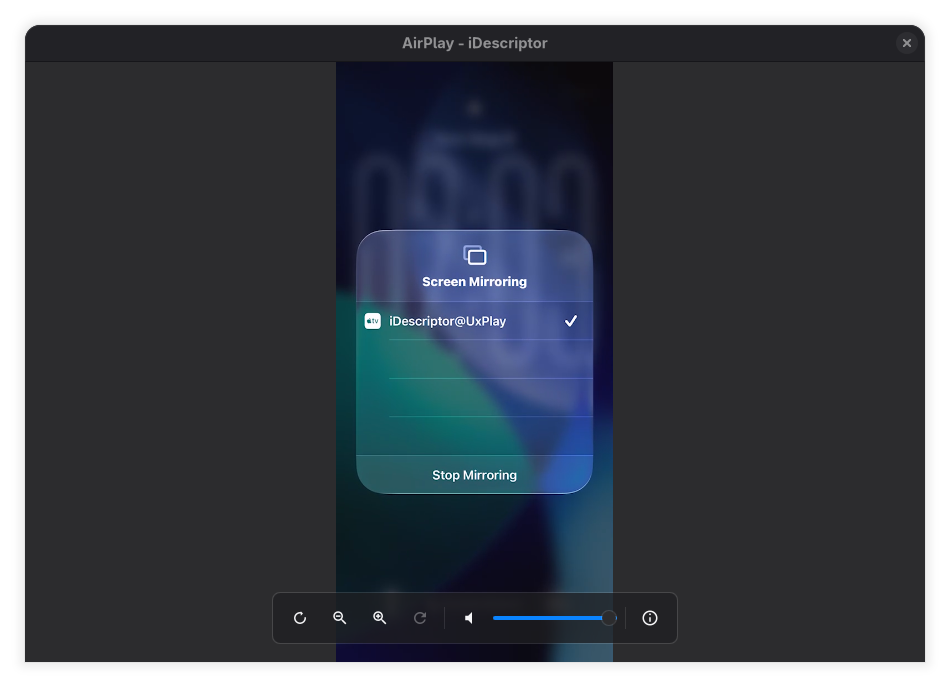
| AirPlay | ✅ Implemented | Cast your device screen to your computer. |
| Download & Install Apps From Apple Store | ✅ Implemented | Download and install apps directly from the Apple Store. |
| Battery Information | ✅ Implemented | Read detailed battery info from device. |
| Virtual Location | ✅ Implemented | Simulate GPS location. |
| Device Backups | ✅ Implemented (Experimental) | Backup your data from device (iOS 13-26) |
| iFuse Filesystem Mount | ✅ Implemented | Mount the device's filesystem. (Windows & Linux only) |
| Gallery | ✅ Implemented | - |
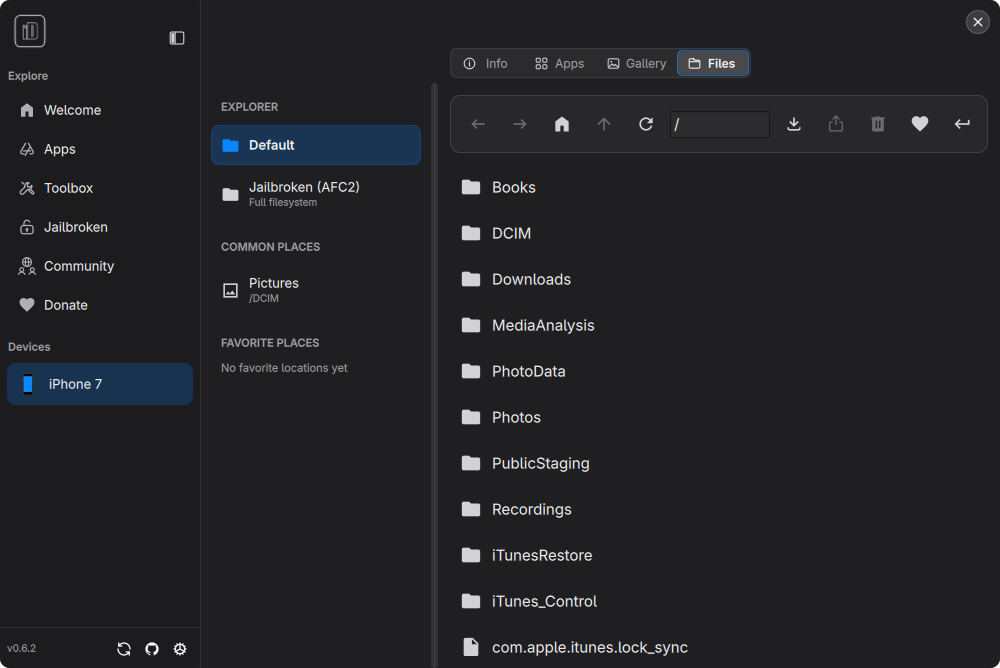
| File Explorer | ✅ Implemented | Explore the device's filesystem. |
| Wireless Gallery Import | ✅ Implemented | Import photos wirelessly (requires the Shortcuts app on the iDevice). |
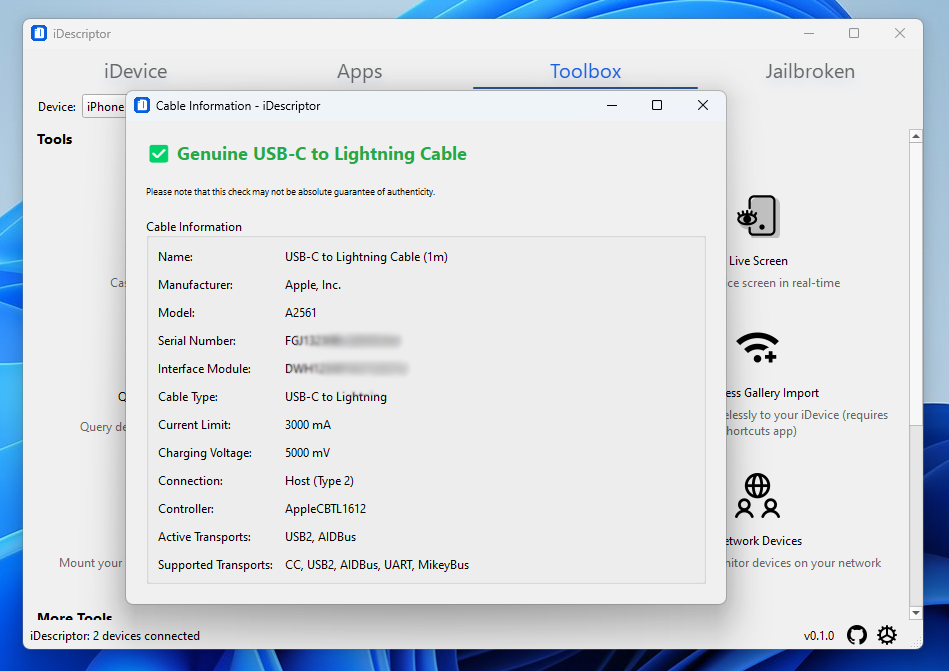
| Cable Info | ✅ Implemented | Check authenticity of connected USB cables and more. |
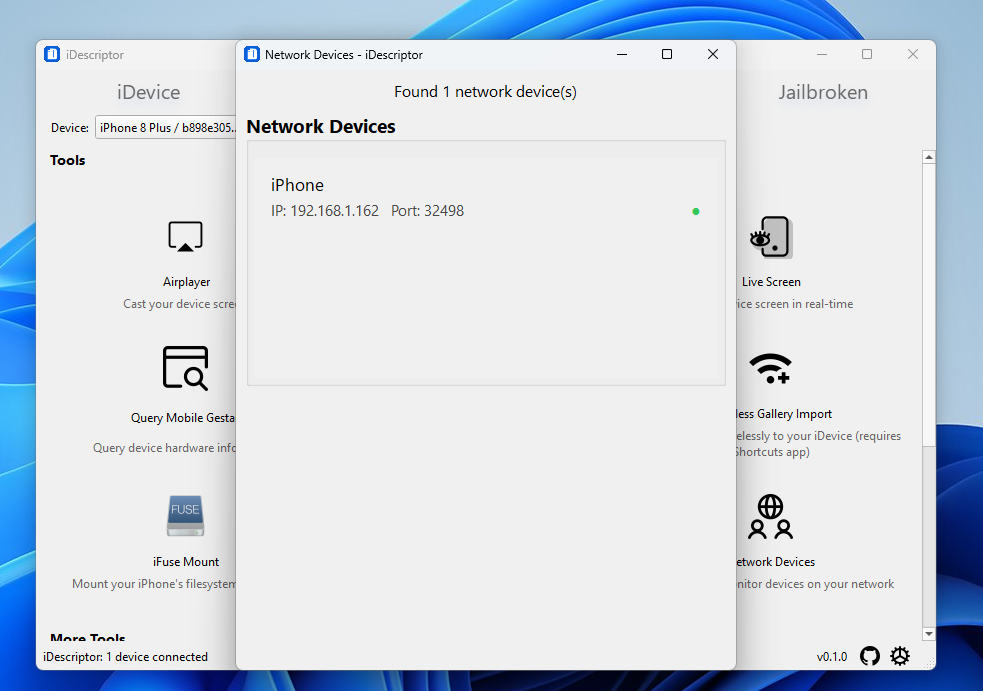
| Network Device Discovery | ✅ Implemented | Discover and monitor devices on your local network. |
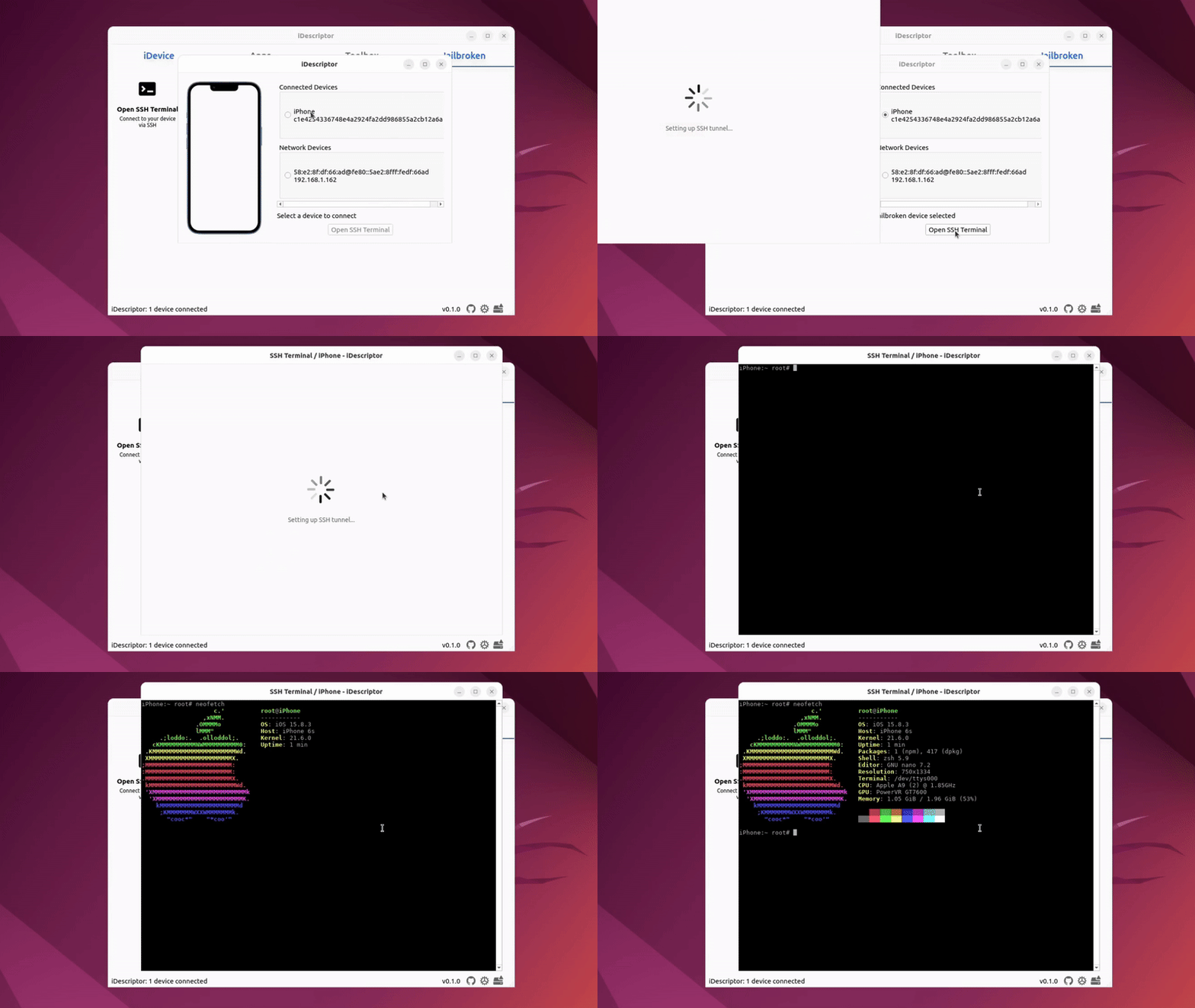
| SSH Terminal (Jailbroken) | ✅ Implemented | Open up a terminal on your iDevice. |
| Query MobileGestalt | ✅ Implemented | Read detailed hardware and software information from the device. |
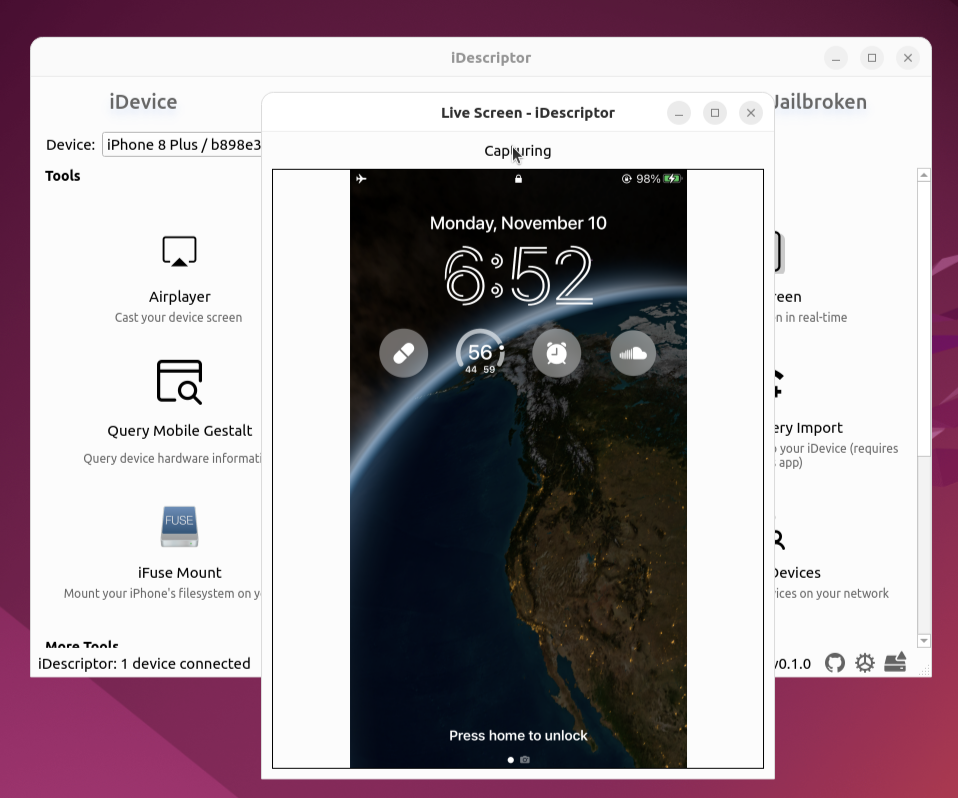
| Live Screen | ✅ Implemented | View your device's screen in real-time. |
| Developer Disk Images | ✅ Implemented | Manage and mount developer disk images. ( iOS 6- 16) |
AirPlay
Cast your device screen to your computer!
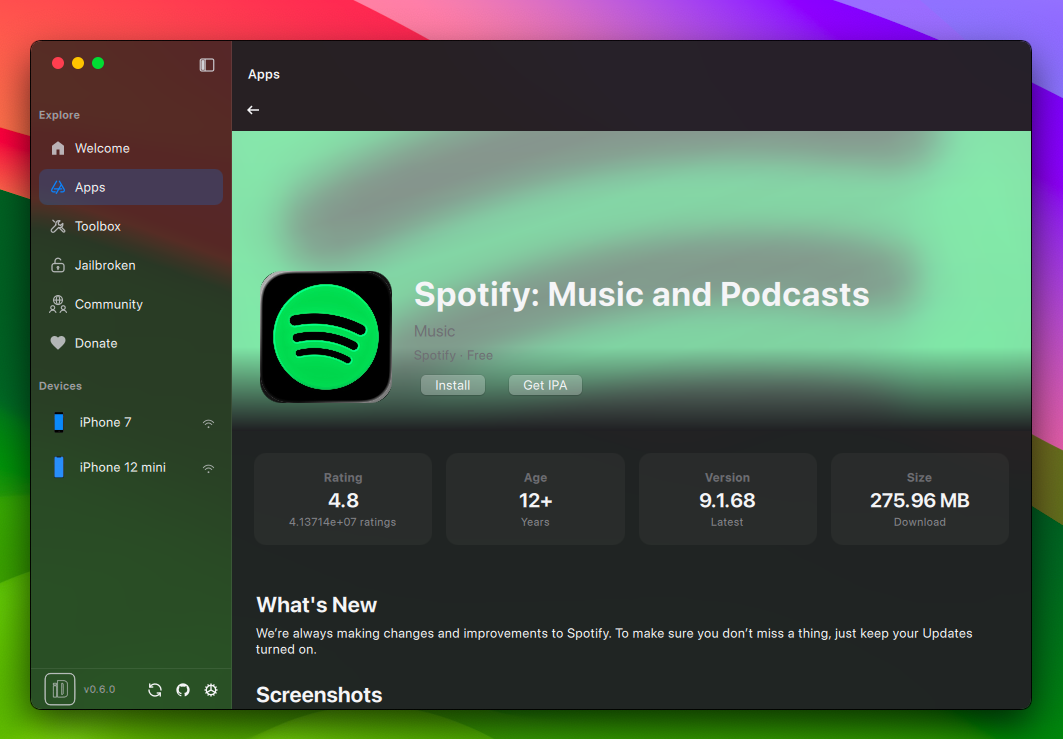
App Store
Download and Install Apps directly from the Apple Store!
You need to sign in with your Apple ID to use this feature.
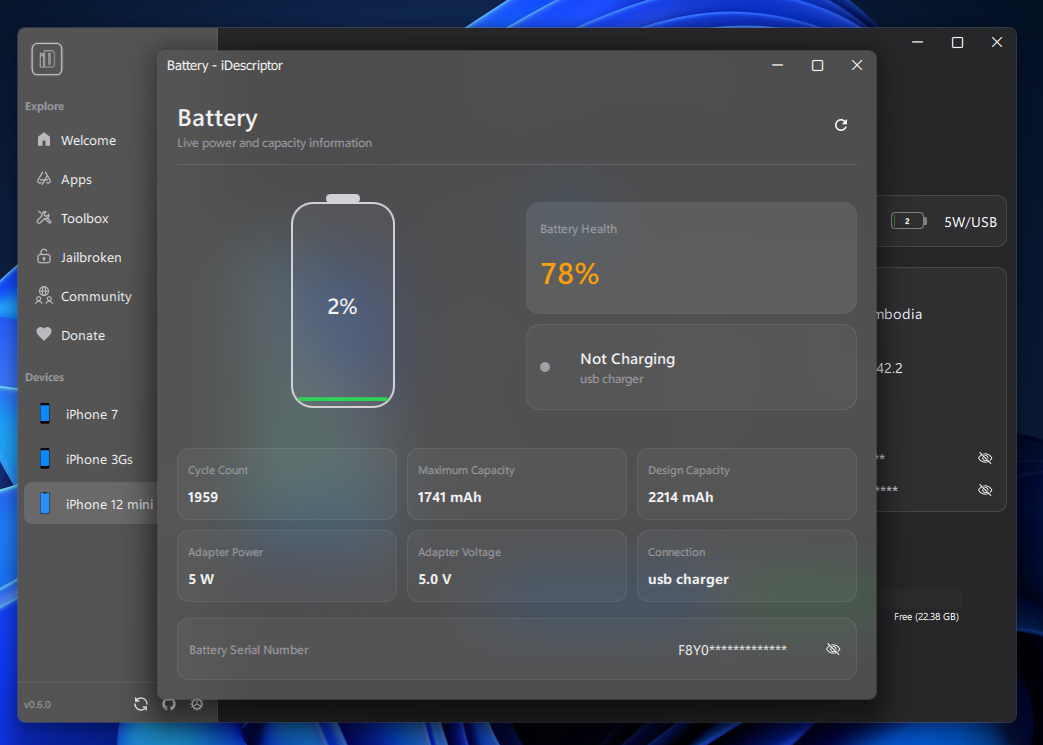
Battery Information
Read detailed battery info from device
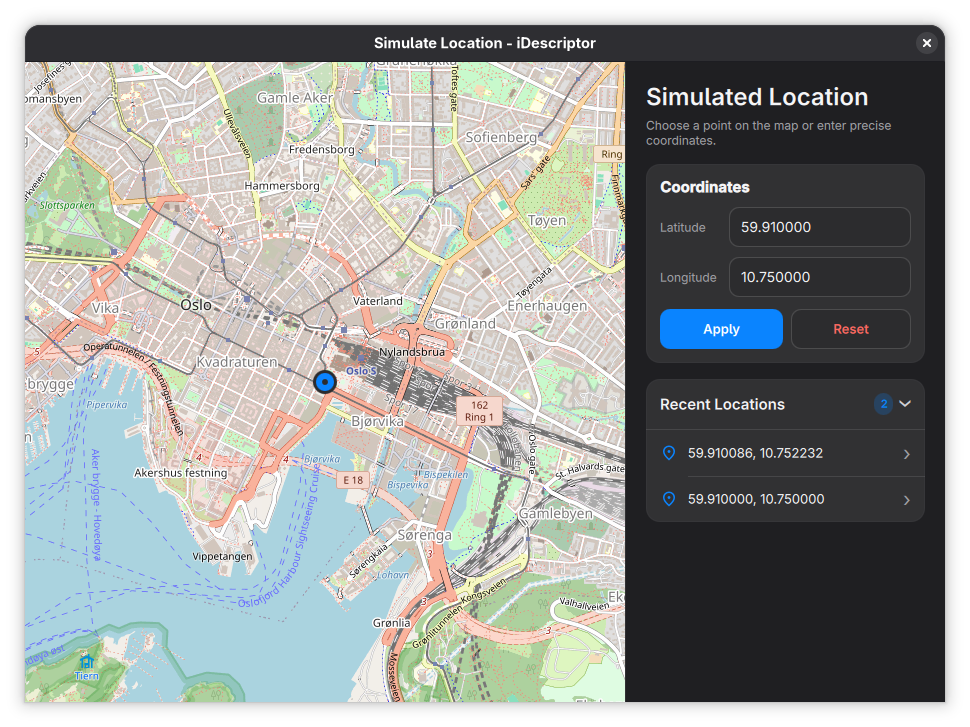
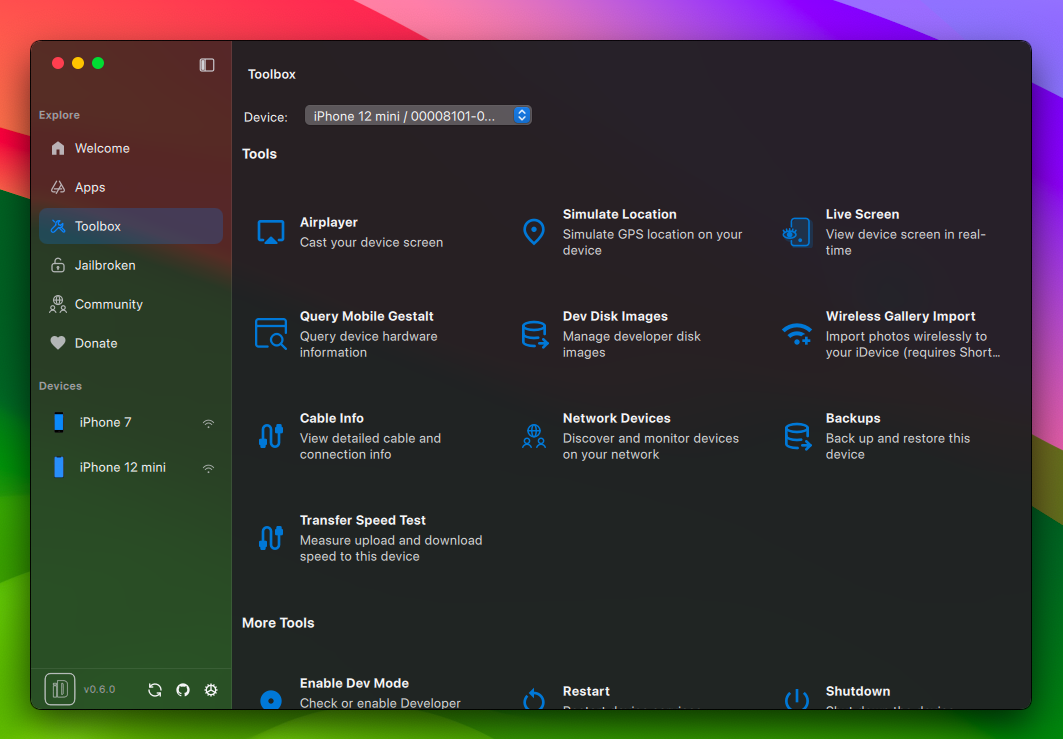
Simulate Location
Simulate GPS location on your iDevice!
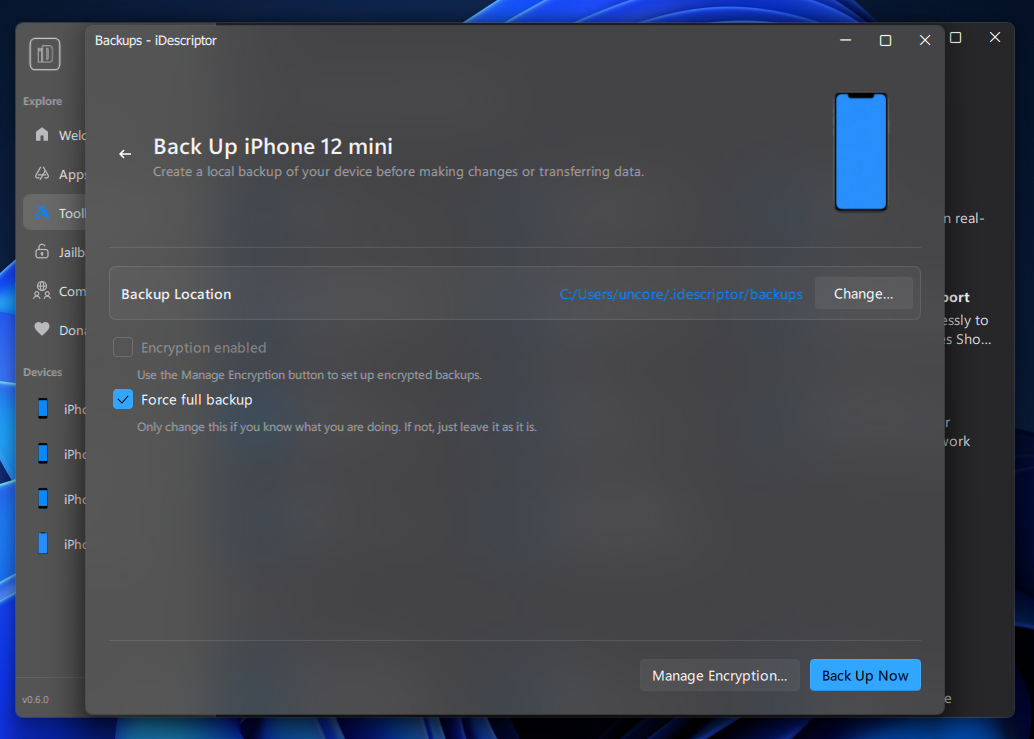
Device Backups
EXPERIMENTAL
Backup your device (gallery, settings etc..) (iOS 13-26)
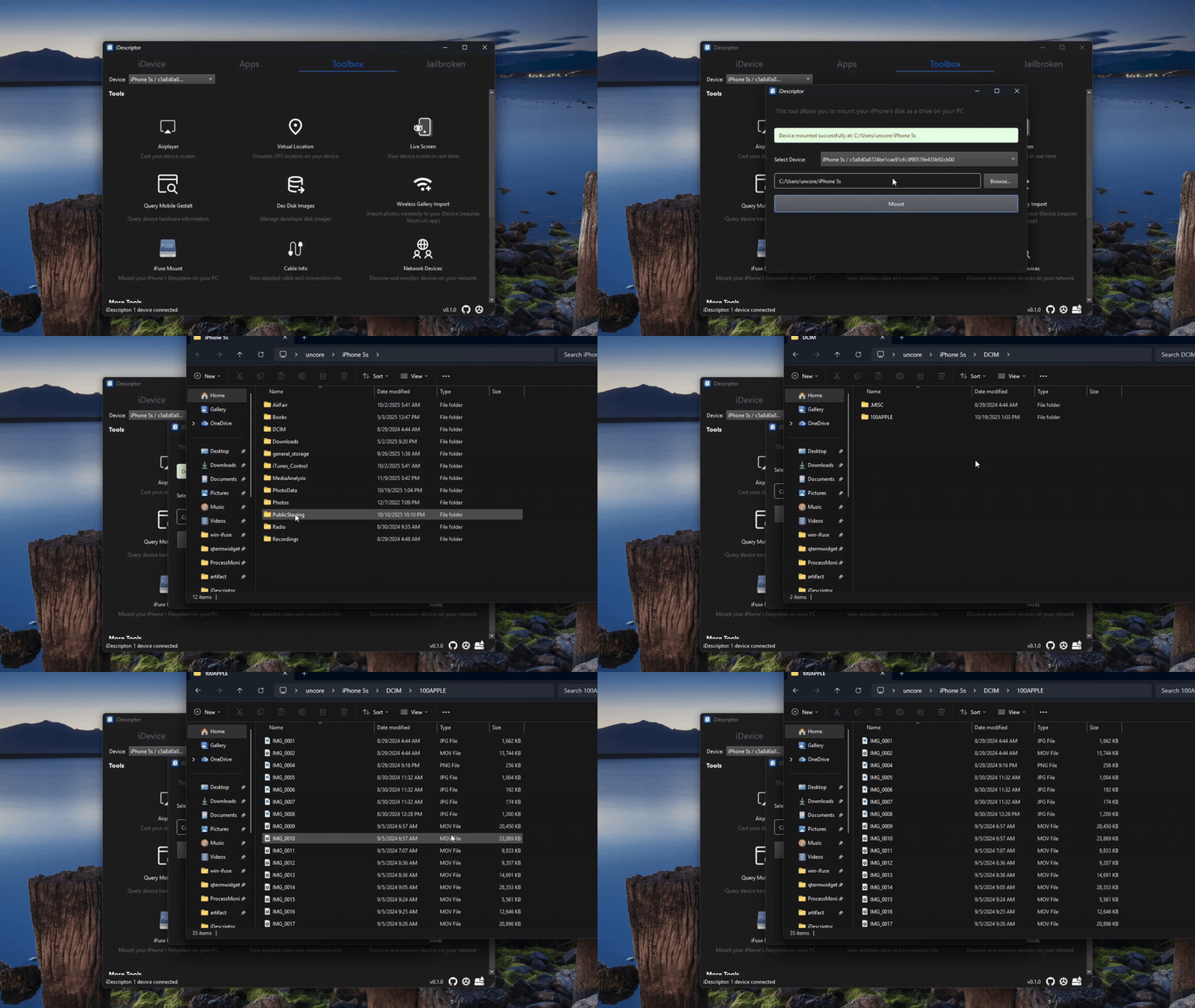
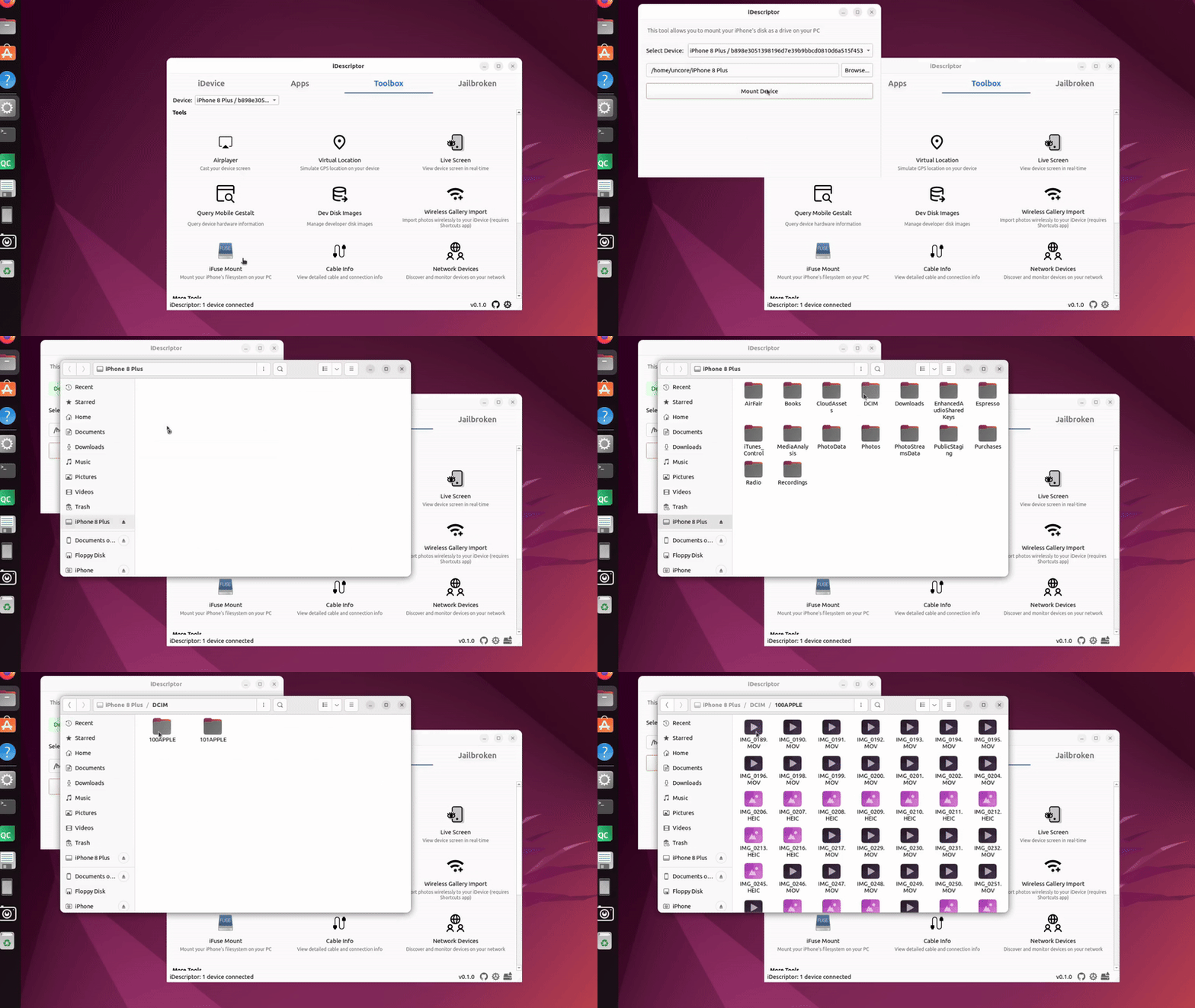
iFuse Filesystem Mount
Use your iDevice as a regular DRIVE!
Literally mount your iDevice filesystem and use it as a regular drive , read and write are both allowed. Don't try to import photos or videos because it won't work that way, use the Gallery Import feature for that.
Windows
Ubuntu / Linux
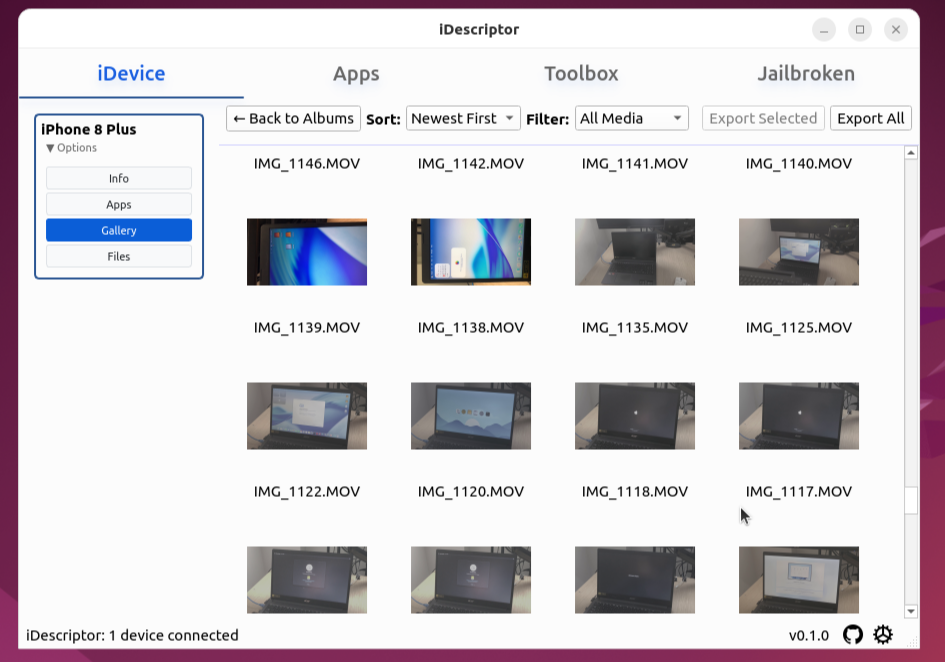
Gallery
See your Albums/Photos just like the Photos app
File Explorer
Cable Info
Network Device Discovery
SSH Terminal
Open up a terminal on your Jailbroken iDevice!
Live Screen
Useful if your device does not support AirPlay
More
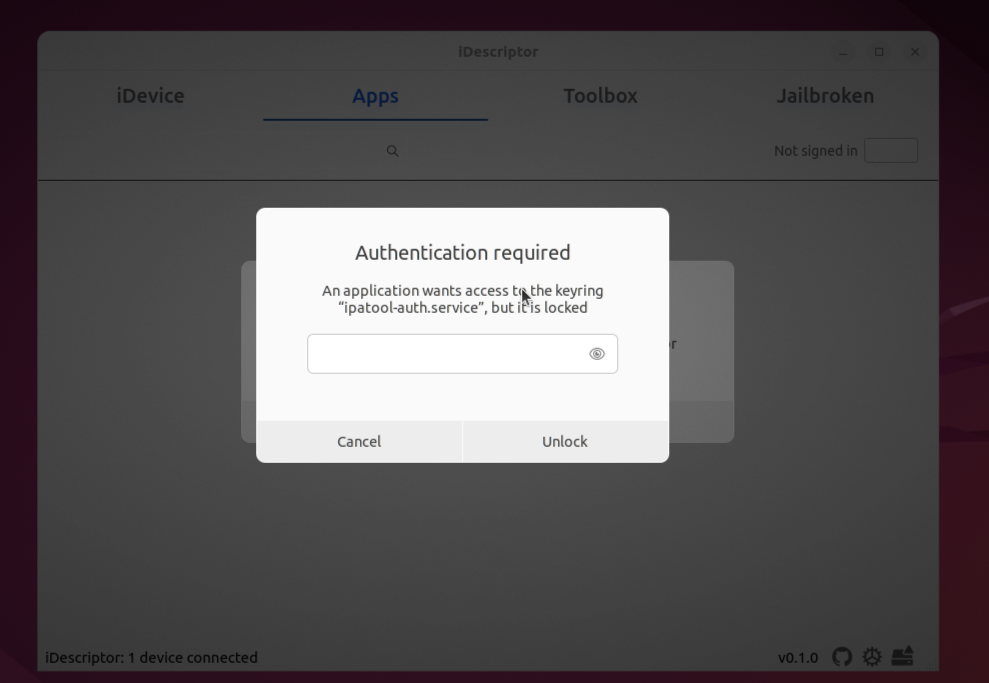
Authentication Required ?
You might get this pop-up on any platform this is because this app uses secure backends to retrieve and store your Apple credentials. You can disable this in settings but it is not recommended and not safe for your Apple account. Also if you leave this enabled and sign in you can use the same credentials in ipatool without signing in again.
Cape (Platinum)
Cape is the first-of-its kind private and secure consumer cellular service in the US,
Try Cape risk-free for just $30 for your first month. Use code trycape30 at checkout to apply.
You can become a sponsor from GitHub Sponsors or

Thanks
- libimobiledevice
- ipatool - We use a modified version here
- QSimpleUpdater - We use a modified version here
- UxPlay (for AirPlay) - We use a modified version here
Linux Udev Rules
iDescriptor will check for udev rules but in case it fails, you can manually add the udev rules by doing similar to the following:
@uncore sudo cat /etc/udev/rules.d/99-idevice.rules
SUBSYSTEM=="usb", ATTR{idVendor}=="05ac", MODE="0666"
✘ Sun 6 Jul - 14:29 ~
@uncore sudo groupadd idevice
Sun 6 Jul - 14:30 ~
@uncore sudo usermod -aG idevice $USER
Sun 6 Jul - 14:30 ~
@uncore sudo udevadm control --reload-rules
sudo udevadm trigger
For more info UDEV.md
Contributions are welcome!
Please check the Roadmap first to make sure what you’re contributing to is not already under development and does not conflict with our CI/CD or overall project direction.
We actively develop on dev branch, so please base your pull requests off of that branch.
You can also send a pr to main branch but it should be something related to building, translations, publish to some package manager or documentation.
Roadmap
Planned Features
This codebase is currently undergoing a major refactor and rewrite in qml and qmeta-qml branches
- Migrate to idevice-rs
DONE✅ - Wireless Connection Support
DONE✅ - Install IPA files directly from the app
- Virtual Location Support for iOS 17 and above
DONE✅ - Migrate to UCRT for better performance and stability
Windows - New UI/UX improvements
Windows✅ - Read gallery from Photos.sqlite
DONE✅ - Translations -> contribute to translations
- Device Backup
DONE✅ (EXPERIMENTAL) - Download any version of any app from app store (under development)
- Implement sideloading
- Import music
- Companion app on device
- Interact from the CLI
You can always become a sponsor/donate to request/prioritize a feature or speed up the development process!
Damaged Error on macOS
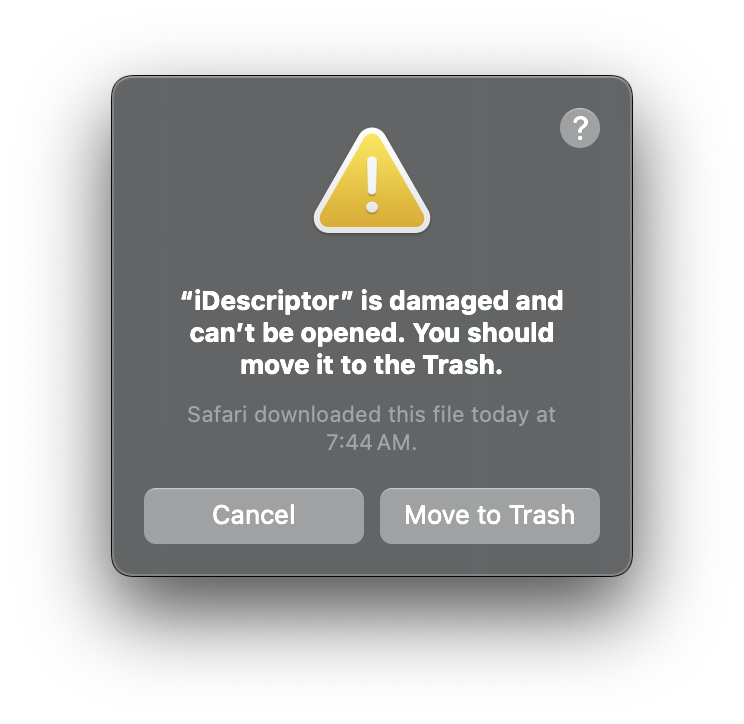
If you encounter a similar "damaged" error when trying to open the app on macOS, you can resolve this by running the following command in the terminal:
xattr -c ~/Applications/iDescriptor.app
You need to run this because macOS blocks apps that are not signed by an Apple Developer ID. By clearing the extended attributes, you can bypass this security feature.
This not something specific to iDescriptor, for example check this out.
You can be more explicit and only remove the quarantine attribute like so:
xattr -dr com.apple.quarantine /Applications/iDescriptor.app
Star History

如有侵权请联系:admin#unsafe.sh