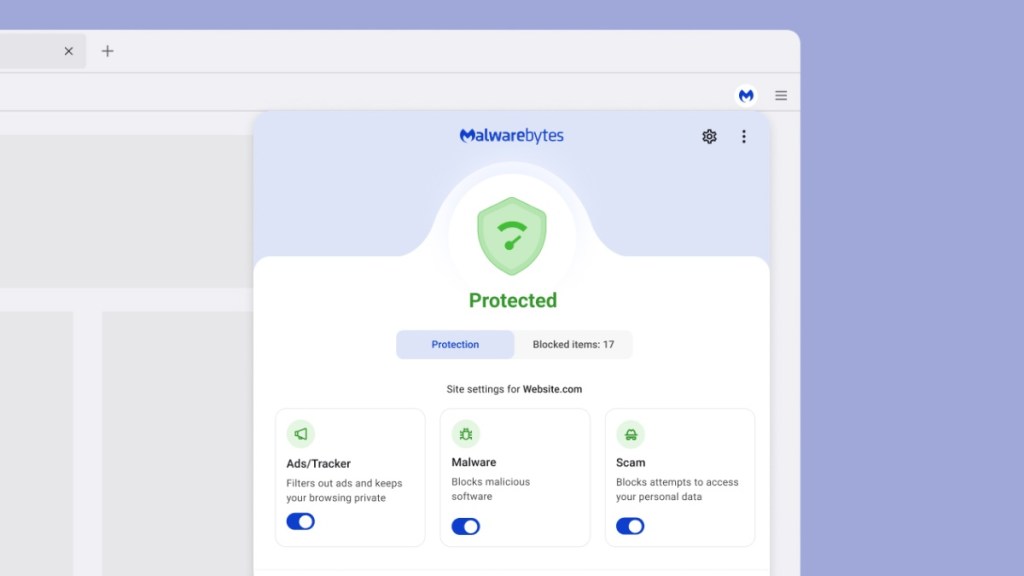
Did you know you can be profiled based on the browser extensions you use? Advertisers can detect which extensions are installed and use that to build a picture of the kind of user you are.
For instance, do you pride yourself on being a good online shopper who never pays full price? Maybe you use a shopping extension that scours the web for active promo codes. Are you a developer who builds online tools? You might use extensions for auditing site performance, checking accessibility, or inspecting page elements. Or maybe you’re a productive person? You likely use the extensions for tab management, content summaries, or even tracking timed tasks.
Advertisers care about your browser extensions because they reveal what kind of audience you belong to, and what you’re likely to buy. But it’s not just advertisers. The more data there is about you in the wild, the more there is for scammers, identity thieves, and stalkers to exploit.
If a website can detect what you’ve installed, it can learn more about you than you might expect.
This is not a hypothetical problem. Recent reports found that LinkedIn was using scripts to scan visitors’ browsers for more than 6,000 Chrome extensions, linking that data to user profiles.
And earlier this year, cybercriminals breached a major data broker, Gravy Analytics. It’s a little-known company that collects vast quantities of smartphone location data. Although the company collects this data legally, the breach exposed highly sensitive information and put millions of people at risk.
What extensions can be profiled?
Last year, a group of PhD students investigated exactly how certain websites track users through their choice of browser extensions. One student compiled an impressive list of over 10,000 extensions. Their findings showed that it’s not fully possible for an extension to hide itself without some changes to a browser’s underlying technology.
Take Malwarebytes Browser Guard as an example. It needs to communicate internally to check things like, “Is this site in the allowlist?” or “Is there a security event we need to tell the user about?” Because of how browsers work, this messaging system is not fully isolated from the web page, which means it could be monitored.
You might think encryption would solve this, but it’s not that simple. If only one extension encrypts its data in a specific way, that behavior itself becomes a unique fingerprint.
How we made Browser Guard undetectable
That said, we’ve introduced more techniques into Browser Guard to make it harder for advertisers and scammers to see you’ve installed it. By staying hidden, Browser Guard reduces what others can learn, and limits how they respond.
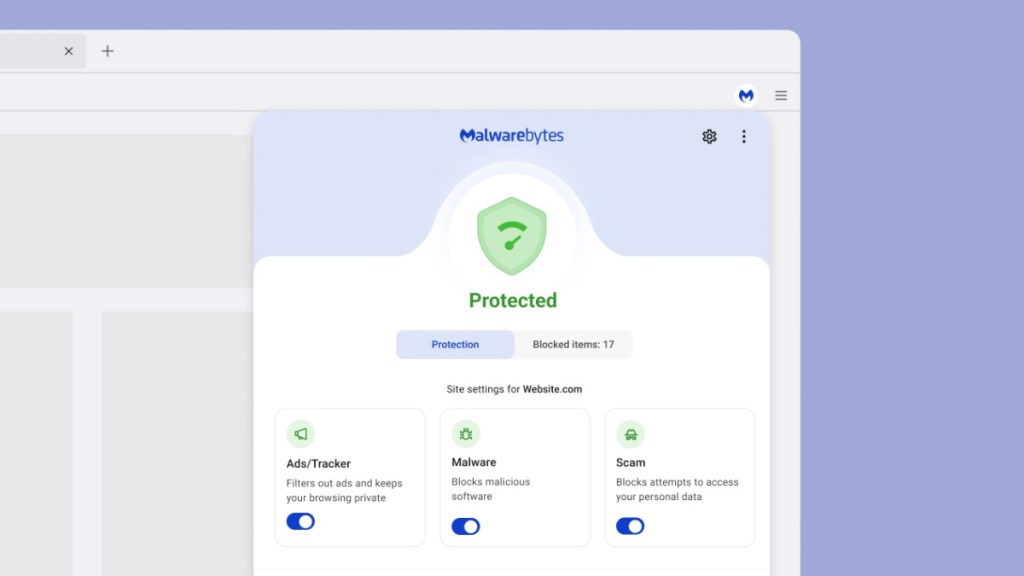
Using browser storage APIs
Any data left behind on the page can be used to figure out which extensions are installed. Browser Guard uses available extension tools provided by browser vendors to avoid leaving behind these kinds of traces.
Using dynamic URLs
use_dynamic_url is a flag you can turn on in the browser extension’s manifest file.
- The setting is off by default in Chrome and Edge.
- Firefox enables this behavior by default, and there is no way to turn it off.
So what does this mean for fingerprinting?
Previously, a website could just check for specific resources, like an image loaded by an extension. If it found that resource, it would know the extension was installed.
But dynamic URLs generate a new, unique ID for each browsing session, so when a site tries the same trick, it looks like the extension doesn’t exist.
In fact, we’ve found this technique is also used by some anti-adblockers to detect which ad blocker is running on the machine.
What others can detect about your extensions (Chrome only)
If you’re reading this on Chrome, click the button below to see what installed extensions can be discovered using publicly accessible resources—the same technique described in this article.
Then install Browser Guard on Chrome and see how it stays private.