嗯,用户让我总结一下这篇文章的内容,控制在一百个字以内,而且不需要用“文章内容总结”之类的开头。直接写描述就行。好的,我先仔细读一下这篇文章。 文章主要讲的是Windows Defender和取证分拣工具之间的冲突。因为Windows Defender是为了保护系统不受未经授权的访问而设计的,而取证工具需要访问系统中的所有文件,包括被锁定的系统文件,来获取证据。这种冲突在实时分析时会带来操作风险。 接着文章提到,现代杀毒软件可能会误将合法的取证工具识别为恶意软件,从而终止获取过程或者隔离工具本身。此外,背景扫描会引入I/O延迟,并可能修改或删除可疑文件,在取证工具保存之前就破坏了证据。 为了克服这些障碍,作者讨论了几种方法,比如暂停杀毒软件、使用卷影副本绕过文件锁、或者使用引导启动的取证环境。但这些方法各有优缺点,比如暂停杀毒软件可能在企业环境中不可行,卷影副本无法处理内存操作等。 最后结论部分指出,在没有特别措施的情况下,调查人员在运行实时分析工具时会遇到执行阻止、进程终止或目标证据被隔离的问题。最可靠的方法是禁用实时保护,但在受限环境中可能需要使用技术变通方法。 现在我要把这些内容浓缩到100字以内。首先确定主要点:Windows Defender与取证工具冲突、实时扫描干扰、解决方法如暂停杀毒、卷影副本和引导启动环境。 然后组织语言:描述冲突、干扰证据获取、解决措施及其局限性。 最终总结应该涵盖这些要点,并且简洁明了。 </think> Windows Defender与取证分拣工具常发生冲突,因前者旨在防止未经授权访问而后者需访问所有文件以获取证据。实时扫描干扰取证过程并可能破坏证据。解决措施包括暂停杀毒软件、使用卷影副本绕过文件锁或引导启动 forensic 环境,但各有局限性。 2026-2-6 17:5:45 Author: blog.elcomsoft.com(查看原文) 阅读量:51 收藏

Windows Defender and forensic triage tools often find themselves at odds. While endpoint protection is designed to lock down a system against unauthorized access, forensic utilities must access everything, including locked system files, to secure evidence. This conflict creates immediate operational risks during live analysis. Modern antivirus engines with aggressive heuristics may flag legitimate forensic binaries as malware, terminating the acquisition process or quarantining the tool itself. Beyond simple blocking, active background scanning introduces significant I/O latency and threatens the integrity of the evidence; the AV might delete or modify a suspicious file, such as a malware payload, moments before it can be preserved.
Overcoming these hurdles requires careful planning. Is pausing the antivirus tool enough, or should one rely on advanced technical strategies like Volume Shadow Copies to bypass file locks without alerting the system’s defenses? Let’s try to find out.
Real-time interception and behavioral blocking
Windows Defender and third-party endpoint protection agents operate via kernel-mode minifilter drivers that intercept I/O requests before they reach the file system. This architecture presents a compatibility challenge for forensic triage: because security vendors update definitions and heuristic engines multiple times a day, forensic developers cannot guarantee their compiled binaries will remain whitelisted across the myriad of antivirus configurations found in the wild. A triage tool that functions correctly in a lab environment may be instantly terminated upon execution in the field, as the endpoint protection software categorizes the unsigned or unfamiliar executable as a generic threat, preventing the acquisition tool from doing its job.
Forensic triage tools often mimic the malicious activity the antivirus is designed to thwart. Forensic acquisition requires accessing sensitive system structures, such as injecting into the memory space of a Web browser to extract app-bound encryption keys, accessing Windows Registry files or reading raw disk sectors to bypass file locks for open databases. Heuristic engines monitor these specific API calls and flag them as credential theft or code injection attempts. This results in the immediate termination of the forensic process and potentially the quarantine of the triage utility itself, leaving the investigator with a failed acquisition and a contaminated system log.
The interference extends beyond the tool to the evidence it seeks to collect. When a forensic utility attempts to read user documents or system logs, the antivirus engine intercepts the read request to scan the content for malware signatures. This real-time scanning introduces significant latency, drastically slowing down the imaging process and widening the window for data to change on a live system. More critically, if the triage tool accesses a document containing a macro virus or a script flagged by the AV heuristics, the protection software may aggressively quarantine or delete the file before it can be preserved. This race condition results in the irreversible loss of potential evidence, as the very act of observing the file triggers its destruction by the system’s defenses.
Mitigating the defense
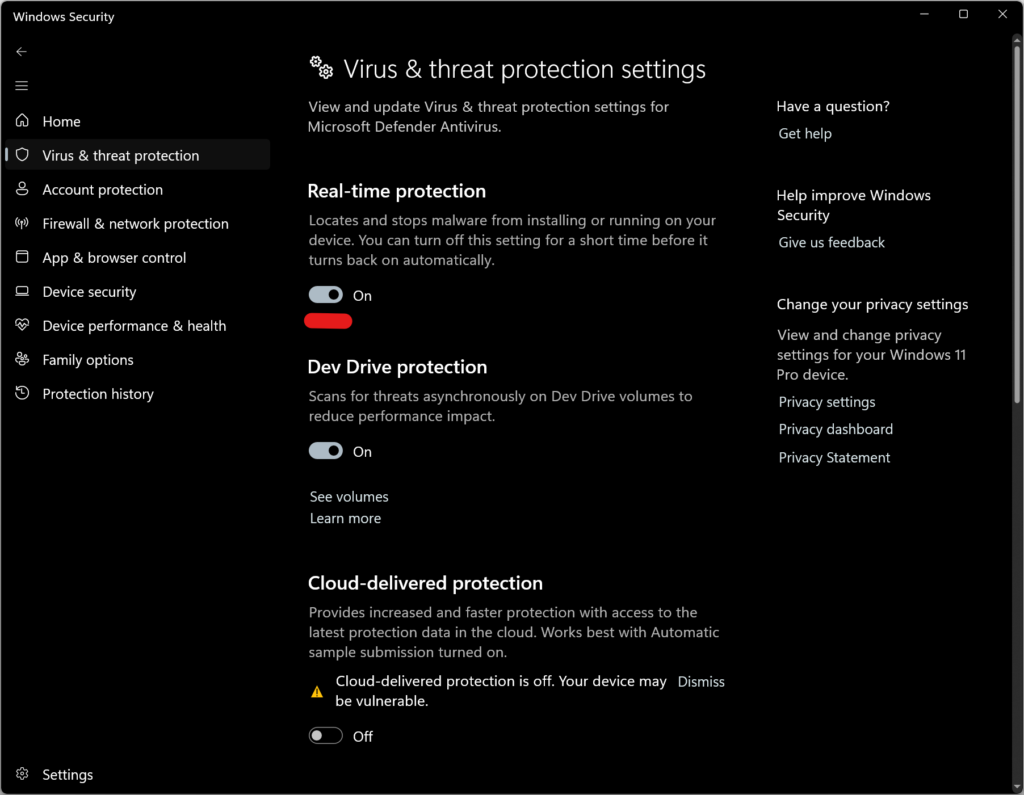
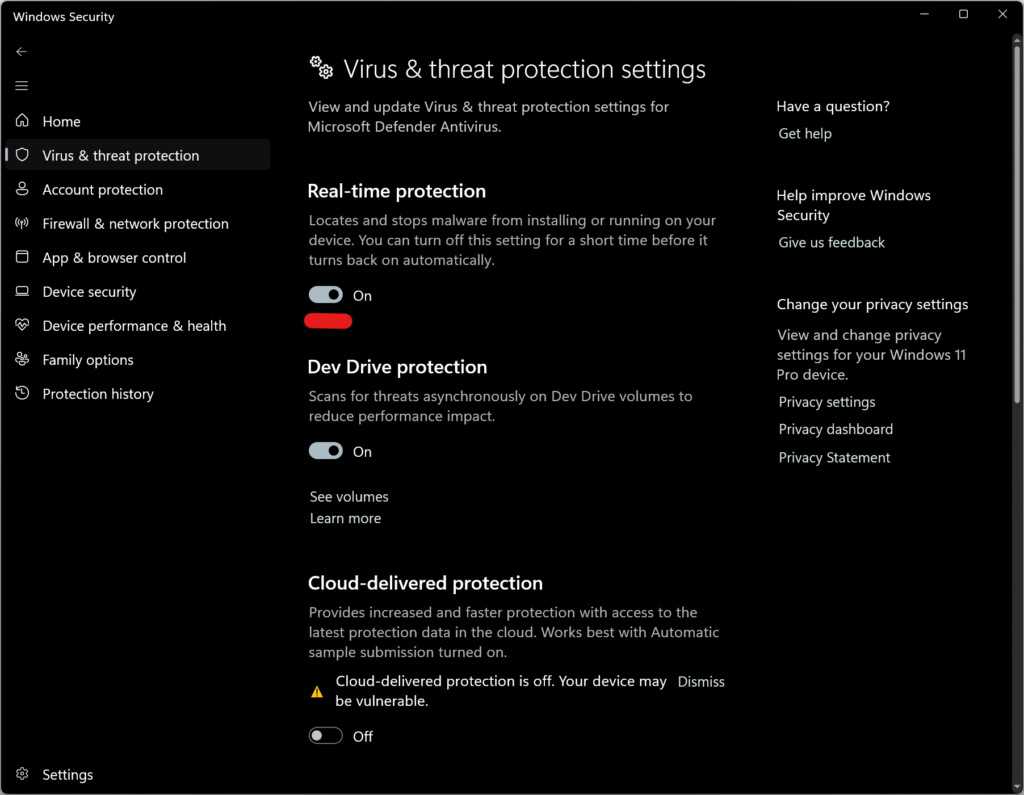
The easiest way of dealing with background AV scanning is simply suspending the protection itself. For Windows 11, you just need to open Windows Security > Virus & threat protection settings and toggle off “Real-time protection.” This action pauses the protection temporarily, allowing forensic tools to operate without interception. However, this state is temporary; Windows Defender automatically reactivates real-time protection upon system reboot, even when manually disabled. Third-party solutions such as Sophos would even automatically reactivate in 4 hours time, creating a narrow time window in which the acquisition must be completed before the defenses re-engage and potentially corrupt the forensic image.
In corporate environments, this manual mitigation is frequently rendered impossible by Group Policy Objects (GPO) that enforce a “managed by administrator” state, graying out the local controls and locking the endpoint into a protected mode. Third-party antivirus agents complicate this even further by requiring specific passwords or management credentials to disable their services, which are rarely available to the forensic specialist. In these scenarios, attempting to forcefully terminate the antivirus services will likely fail, as self-protection mechanisms will block the request and log the attempt as a tampering security event.
When administrative disabling is not an option, the investigator must rely on technical strategies, which mostly boil down to the use of Volume Shadow Copies (VSS). By parsing the file system through a shadow copy rather than the live volume, a triage tool can bypass the exclusive file locks held by the operating system and the antivirus engine, successfully extracting critical artifacts. It is crucial to recognize, however, that VSS is strictly a storage-level bypass; it offers no assistance when the forensic objective involves process memory. If the tool attempts to inject a thread or read the memory of another process to recover credentials, the active antivirus hook on the OpenProcess API may still intercept and terminate the action.
Beyond active antivirus interference, the operating system imposes its own exclusive locks on critical artifacts, preventing even basic read operations on files such as the Amcache hive. While leveraging Volume Shadow Copies acts as the standard workaround, switching between standard reads and VSS operations every time a locked file is encountered would severely hinder performance. To maintain operational speed, Elcomsoft Quick Triage aggregates all identified locked targets into a comprehensive list and extracts them in a single, batched VSS pass, ensuring that the overhead of snapshot management is incurred only once per acquisition cycle.
Bootable forensic environments
A decisive alternative to fighting active antivirus defenses is to circumvent the host operating system entirely by utilizing a bootable forensic environment. Tools such as Elcomsoft System Recovery allow investigators to boot the target machine into a clean, controlled Windows PE session, loading a trusted set of forensic utilities directly from external media. This approach effectively neutralizes the resident antivirus and endpoint detection software, as the target operating system along with its kernel-mode filter drivers and heuristic engines never executes. By mounting the file system in this passive state, the investigator gains unrestricted access to file artifacts without the risk of the tool being quarantined or the evidence being modified by background scanning processes.
However, this cold boot method introduces significant limitations that may render it unsuitable. The primary obstacle is full-disk encryption; if the system drive is protected by BitLocker, booting from an external device leaves the volume in an encrypted, unreadable state unless the recovery key is explicitly provided. Furthermore, because the target operating system is not running, the investigator loses access to all volatile data, including active network connections, running processes, and the contents of RAM, effectively discarding the “live” aspect of the analysis.
The offline nature of the acquisition also complicates the extraction of modern encrypted credentials. Artifacts protected by the Data Protection API (DPAPI) and App-Bound encryption – such as saved browser logins and session cookies – cannot be decrypted solely by extracting the database files. While live tools might leverage the active user session to bypass these protections, an offline analysis strictly requires the user’s logon password to derive the necessary master keys. Without this credential, the extraction of sensitive user secrets remains impossible, even if the file system itself is fully accessible.
Conclusion
The friction between system protection and forensic triage/live system analysis is a standard and frequent issue. Antivirus engines prioritize system security, actively interfering with the invasive activities of forensic analysis tools from raw disk reading to memory injections. This pretty much guarantees that without specific measures, investigators running live analysis tools will face execution blocks, process termination, or the silent quarantine of target evidence.
Disabling real-time protection is the most reliable method for gaining unrestricted access, yet it depends entirely on the system’s configuration. Corporate restrictions and strict policies often lock these controls, forcing investigators to rely on technical workarounds like Volume Shadow Copies. This, however, is not a complete solution. While VSS effectively bypasses locks on disk-based files, it provides no support for operations requiring memory injection. If the security policy prevents the antivirus from being disabled, critical volatile data residing in process memory remains inaccessible.
REFERENCES:

Elcomsoft Quick Triage
Elcomsoft Quick Triage is a tool designed to rapidly extract and analyze the most important evidence from a target computer or disk. It is equally effective during on-site operations and in laboratory environments, helping investigators make informed decisions at the earliest stages of an investigation.

Elcomsoft System Recovery
In order to preserve digital evidence, the chain of custody begins from the first point of data collection. Elcomsoft System Recovery employs a forensically sound workflow to ensure that digital evidence collected during the investigation remains court admissible. The workflow implements read-only, write-blocking access to the target computer, and saves collected evidence in the form of digitally signed, verifiable disk images, making Elcomsoft System Recovery a viable alternative to hardware-based write blocking disk imaging devices while offering real-time access to crucial evidence.
如有侵权请联系:admin#unsafe.sh