作者开发了四个免费的命令行工具(mbzr、tfox、urlhs 和 yrfy),用于与 Abuse.ch 的服务交互。这些工具分别对应 MalwareBazaar(获取恶意软件样本)、ThreatFox(搜索 IOC)、URLhaus(监控恶意 URL)和 YARAify(扫描 YARA 规则)。它们遵循 UNIX 哲学,无依赖性且支持 JSON 输出和容器化部署。用户可通过多种方式安装,并需注册免费 API 密钥以使用这些工具。 2026-1-20 11:16:27 Author: andpalmier.com(查看原文) 阅读量:0 收藏
Introduction
While working on the post “Interview preparation for a Cyber Threat Intelligence role”, I realized that a lot of CTI tools need a subscription or a license in order to be used. That could be an issue, especially for small companies or people trying to enter the field.
To give back to the community and highlight the potential of community-driven platforms, I decided to put together 4 command-line tools to interact with some of the services from Abuse.ch. You’re going to need an API key to use these tools, but it is free to get one. Hopefully, they will be useful to some of you.
Here are the platforms covered by the toolset:
- MalwareBazaar: for sharing malware samples.
- ThreatFox: for sharing indicators of compromise (IOCs) associated with malware.
- URLhaus: for sharing malicious URLs being used for malware distribution.
- YARAify: a repository of YARA rules to identify and classify malware, can be used to share rules, hunt, and scan.
I’m aware that abuse.ch and Spamhaus are working on a commercial model to sustain the services, but they also say “if you contribute data, you will be able to access the data for free”. Some of these tools I’m releasing can help you making those contributions. So check them out, and let’s keep the collaboration alive!
Less is more
I developed these tools with some principles in mind:
- UNIX philosophy: Do one thing and do it well, each tool maps to one specific service.
- No dependencies: Written in Go using only the standard library. No
node_modulesblack holes, no dependency hell: just small binaries that work. - JSON first: Output is JSON by default. It can be piped to
jq, ingested into a SIEM, or scripted around easily. - Container ready: Docker/Podman images are available for every tool.
Installation and first steps
The installation process has four options:
🍺 Using brew
The easiest way to install any of these tools on macOS (or Linux via Linuxbrew) is through the custom tap:
brew tap andpalmier/tap
brew install mbzr tfox urlhs yrfy🏃♂️ Using Go
go install github.com/andpalmier/mbzr@latest🐳 Using containers (Docker/Podman)
# Pull pre-built image
docker pull ghcr.io/andpalmier/tfox:latest

# Or build locally
git clone https://github.com/andpalmier/tfox.git
docker build -t tfox .
✅ From source
git clone https://github.com/andpalmier/urlhs.git
cd urlhs
make build
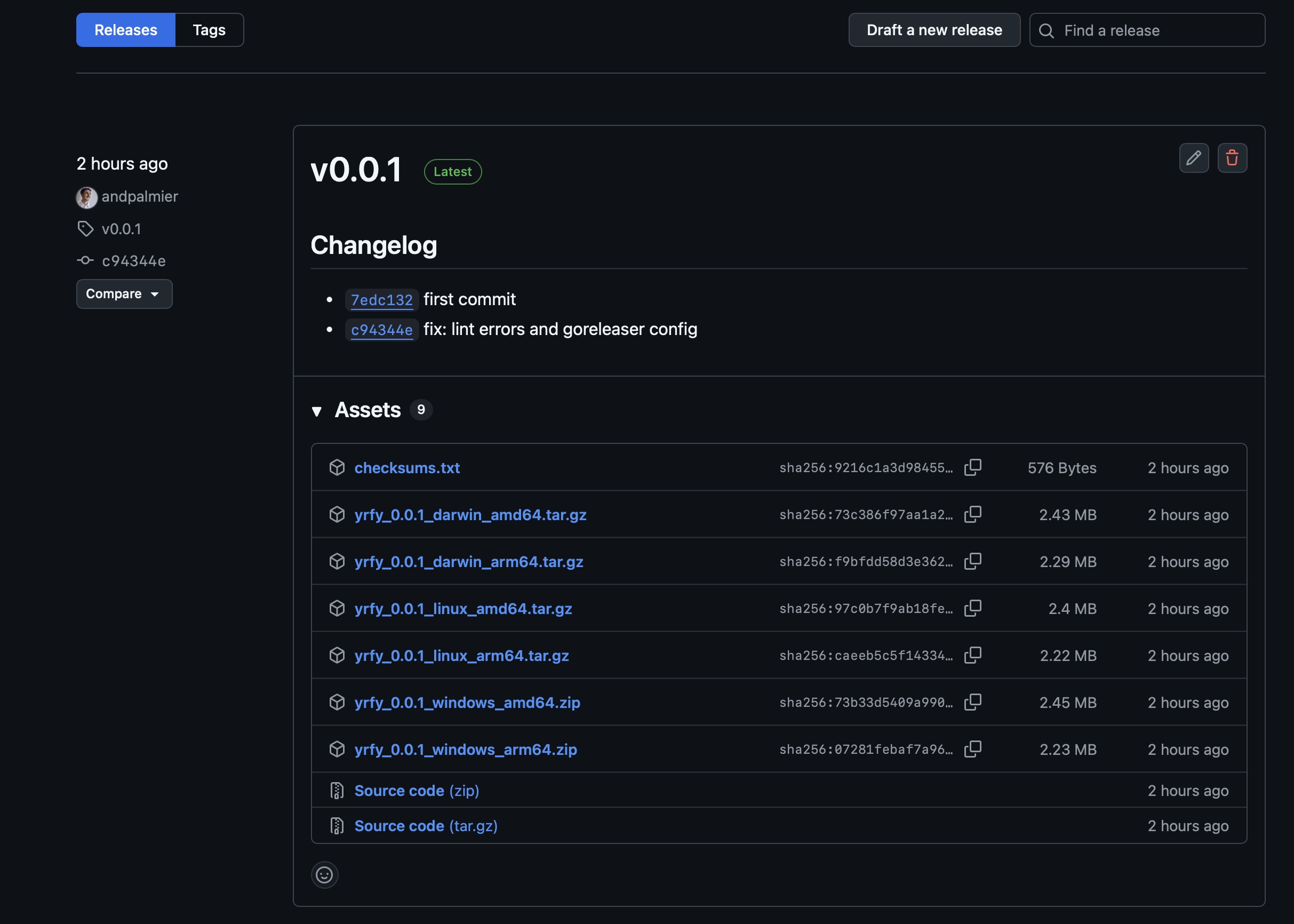
BONUS: ⬇️ Binaries from GitHub
Plus, the GitHub page of every tool has a “Releases” section with pre-built binaries, so you can download them from there.
API key setup
An API key is required to use all of the tool. You can get one for free from abuse.ch authentication portal, and then export it as environment variable:
export ABUSECH_API_KEY="your_api_key_here"Introducing the toolkit
Get fresh samples with mbzr
mbzr serves as an interface to MalwareBazaar, which has a massive database of malware samples.
When could it be useful?
When analyzing a campaign, you may need to get fresh samples of a specific malware family (e.g., Emotet), or a retrieve a specific binary from its hash.
Examples:
Retrieve the last 5 Emotet samples:
mbzr query -tag Emotet -limit 5Or download a binary:
mbzr download -sha256 <hash>Hunt for IOCs with tfox
tfox taps into ThreatFox, a platform for sharing Indicators of Compromise (IOCs).
When could it be useful?
When observing a suspicious domain or IP in logs, the typical first step is to verify if it’s in a known database of IOC.
Examples:
Verify if “evil.com” is in ThreatFox:
tfox search -ioc evil.comOr get the IOCs reported in the last 24 hours:
Watch dangerous URLs with urlhs
urlhs connects to URLhaus, which aggregates malware distribution URLs.
When could it be useful?
When you need to block malware-serving URLs or track current malware distribution trends.
Example:
Discovery of recent payload URLs:
urlhs recent -payloads -limit 10Easy scans with yrfy
yrfy leverages YARAify to scan files against a repository of community YARA rules.
When could it be useful?
If you need to analyze a suspicious binary without uploading it to VirusTotal, or check for matches against community rules.
Example:
Scanning a local file:
yrfy scan -file suspect_installer.exeIt can even unpack the file prior to scanning if the -unpack flag is used!
Conclusion
The cyber security industry is full of services providing complex dashboards and enterprise subscriptions, but - sometimes - the most efficient path is a simple grep for a hash, or a quick bash loop to check a list of domains. This toolset was built for those moments: every tool is fast, scriptable, and respectful of system resources.
These projects are all open source (AGPLv3) and contributions are more than welcome, Happy hunting!
如有侵权请联系:admin#unsafe.sh