New Release: Tails 7.1
嗯,用户让我帮忙总结一下这篇文章的内容,控制在一百个字以内,而且不需要用“文章内容总结”之类的开头。首先,我得通读一下这篇文章,看看主要讲了什么。 文章看起来是关于Tails 7.1版本的更新说明。里面提到了几个主要的变化:主页改成了离线页面,改善了管理密码的提示信息,更新了Tor Browser、Tor客户端和Thunderbird的版本,还移除了一个包ifupdown。另外,还修复了一些问题,比如隐藏了Tor连接的提示信息。 接下来是升级和安装的说明。用户可以通过自动升级或手动升级来更新系统,如果自动升级失败的话。安装新版本的时候需要注意保存持久存储的数据。最后还提供了下载链接和支持反馈的部分。 所以,总结起来就是:Tails 7.1版本带来了界面优化、软件更新、问题修复以及升级安装指南。我需要把这些要点浓缩到100字以内,确保涵盖主要更新和功能改进。 </think> Tails 7.1版本带来了界面优化、软件更新及问题修复,并提供升级和安装指南。 2025-10-14 00:0:0 Author: blog.torproject.org(查看原文) 阅读量:164 收藏
嗯,用户让我帮忙总结一下这篇文章的内容,控制在一百个字以内,而且不需要用“文章内容总结”之类的开头。首先,我得通读一下这篇文章,看看主要讲了什么。 文章看起来是关于Tails 7.1版本的更新说明。里面提到了几个主要的变化:主页改成了离线页面,改善了管理密码的提示信息,更新了Tor Browser、Tor客户端和Thunderbird的版本,还移除了一个包ifupdown。另外,还修复了一些问题,比如隐藏了Tor连接的提示信息。 接下来是升级和安装的说明。用户可以通过自动升级或手动升级来更新系统,如果自动升级失败的话。安装新版本的时候需要注意保存持久存储的数据。最后还提供了下载链接和支持反馈的部分。 所以,总结起来就是:Tails 7.1版本带来了界面优化、软件更新、问题修复以及升级安装指南。我需要把这些要点浓缩到100字以内,确保涵盖主要更新和功能改进。 </think> Tails 7.1版本带来了界面优化、软件更新及问题修复,并提供升级和安装指南。 2025-10-14 00:0:0 Author: blog.torproject.org(查看原文) 阅读量:164 收藏
Changes and updates
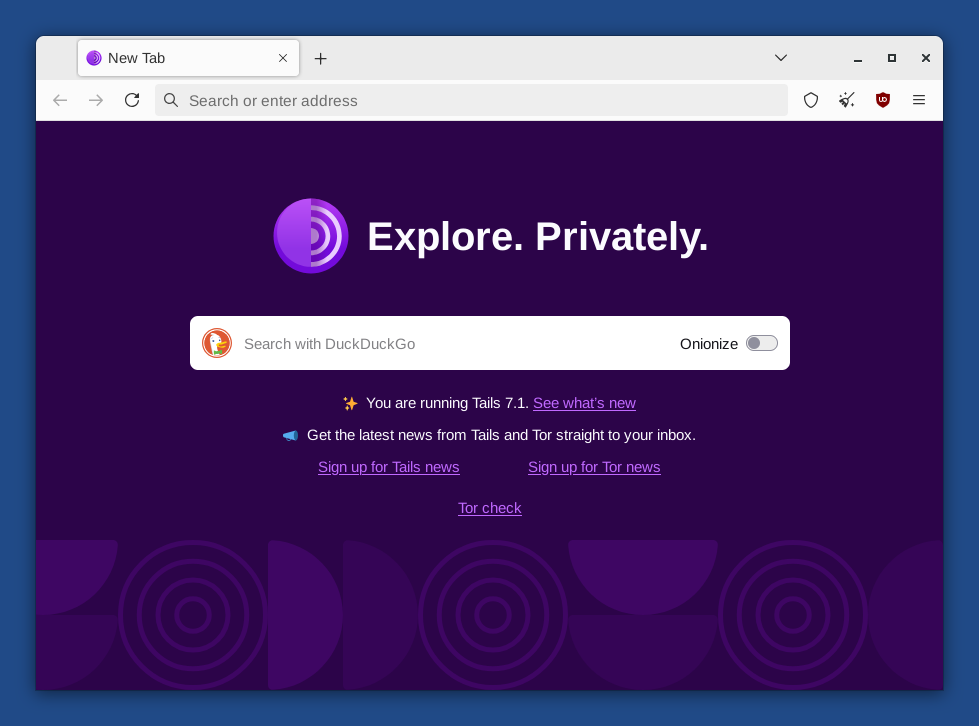
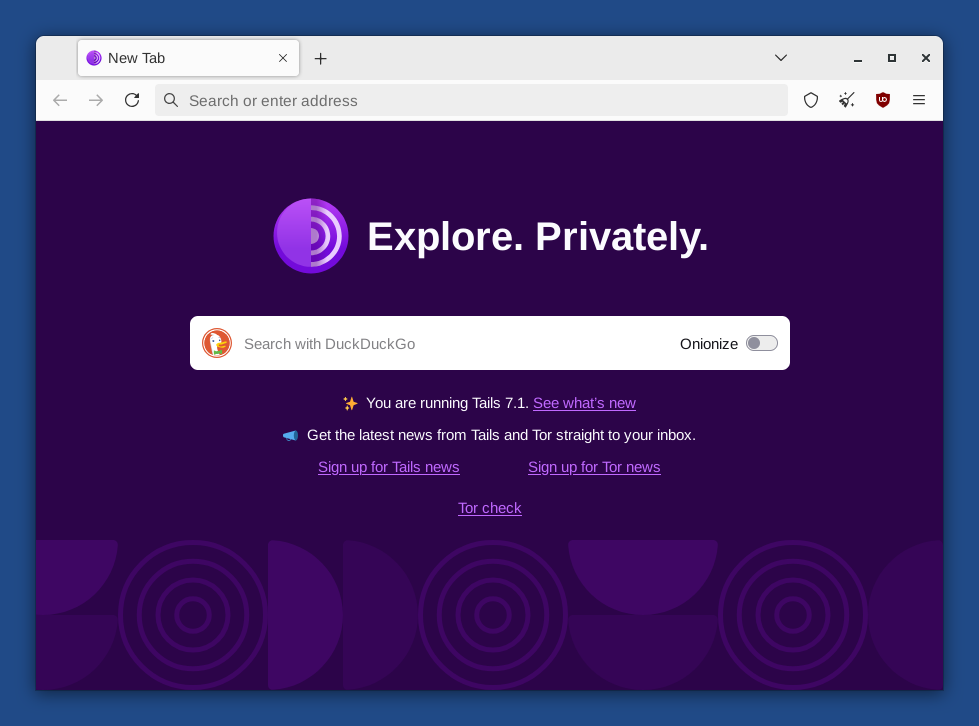
- Change the home page of Tor Browser in Tails to an offline page, very similar to the home page of Tor Browser outside of Tails, instead of an online page from our website.
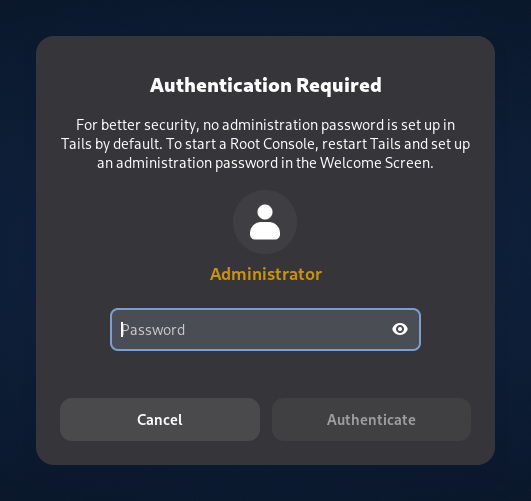
- Improve the message when an administration password is required to open an application but no administration password was set in the Welcome Screen.
Update Tor Browser to 14.5.8.
Update the Tor client to 0.4.8.19.
Update Thunderbird to 140.3.0.
Remove the package
ifupdown.
Fixed problems
- Hide the message "Your connection to Tor is not being managed by Tor Browser " in new tabs of Tor Browser. (#21215)

For more details, read our changelog.
Get Tails 7.1
To upgrade your Tails USB stick and keep your Persistent Storage
Automatic upgrades are available from Tails 7.0 or later to 7.1.
If you cannot do an automatic upgrade or if Tails fails to start after an automatic upgrade, please try to do a manual upgrade.
To install Tails 7.1 on a new USB stick
Follow our installation instructions:
The Persistent Storage on the USB stick will be lost if you install instead of upgrading.
To download only
If you don't need installation or upgrade instructions, you can download Tails 7.1 directly:
Support and feedback
For support and feedback, visit the Support section on the Tails website.
文章来源: https://blog.torproject.org/new-release-tails-7_1/
如有侵权请联系:admin#unsafe.sh
如有侵权请联系:admin#unsafe.sh